AI image generation models, compared by price
Pick the image model for your poster, product shot or photo edit, see what one picture costs, and ask your AI agent to make it — the price shows before anything runs.
Price table
| Model | Best for | Per image | Status |
|---|---|---|---|
| Qwen3 Pro Image to ImageAlibaba | Labeling parts of a product or lab photo for a manual or report | Per image | Available |
| Qwen3 Pro Text to ImageAlibaba | Four-panel infographics with labels, a chart and a caption from one prompt | Per image | Available |
| Wan 2.7 Image ProAlibaba | Key visuals for ad campaigns and product launches | Per image | Available |
| FLUX.2 Pro Image to ImageBlack Forest Labs | Placing a product into new scenes with its label and shape kept consistent | Per image | Available |
| FLUX.2 Pro Text to ImageBlack Forest Labs | Photorealistic product shots where glass, metal and fabric must look right | Per image | Available |
| Seedream 5.0 Pro Image to ImageByteDance | Turning a pencil sketch into a photorealistic image with the same layout | Per image | Available |
| Seedream 5.0 Pro Text to ImageByteDance | Information-dense infographics and explainer graphics with a clear hierarchy | Per image | Available |
| Nano Banana 2Google | Social posts, banners and ads in square, vertical or wide frames | Per image | Available |
| Nano Banana ProGoogle | Replacing label or poster text with new wording in another language | Per image | Available |
| GPT Image 2 Image to ImageOpenAI | Recoloring one product photo for every color option in a catalog | Per image | Available |
| GPT Image 2 Text to ImageOpenAI | Localized ads with headlines in Japanese, Korean, Chinese, Hindi or Bengali | Per image | Available |
| GPT Image 2.5 Flare Image to ImageOpenAI | Swapping the backdrop behind a product photo for a seasonal campaign | Per image | Available |
| GPT Image 2.5 Flare Text to ImageOpenAI | Blog headers and article images made quickly from a short description | Per image | Available |
| GPT Image 2.5 Sunburst Image to ImageOpenAI | Changing the view outside a window while people and objects stay put | Per image | Available |
| GPT Image 2.5 Sunburst Text to ImageOpenAI | Campaign hero images where lighting and texture carry the shot | Per image | Available |
| Grok Imagine Image 2.0 Image EditxAI | Placing an existing product photo into a new setting while keeping it recognizable | Per image | Available |
| Grok Imagine Image 2.0 Text to ImagexAI | Event posters with a headline, date and supporting text in place | Per image | Available |
| Seedream 5.0 Pro Layer DecompositionByteDance | Breaking a flat poster into layers to adjust parts of it separately | Per image | Coming soon |
| Recraft Crisp UpscaleRecraft | Enlarging logos and illustrations for posters, flyers and other print jobs | Per image | Coming soon |
| Recraft Remove BackgroundRecraft | Product cutouts for store listings, set on a transparent or brand-colored backdrop | Per image | Coming soon |
| Topaz Image UpscaleTopaz Labs | Enlarging product photos for print and high-resolution store pages | Per image | Coming soon |
| Grok Imagine Image 2.0 Segment EditxAI | Recoloring one garment in a catalog photo without a reshoot | Per image | Coming soon |
| Grok Imagine Image 2.0 Segment MapxAI | Marking the exact region of a photo that a follow-up edit should change | Per image | Coming soon |
Live prices in USD at the base token rate; larger token packs cost less per token. You see the exact price before anything runs.
Prices are temporarily unavailable — refresh the page in a minute.
All image models
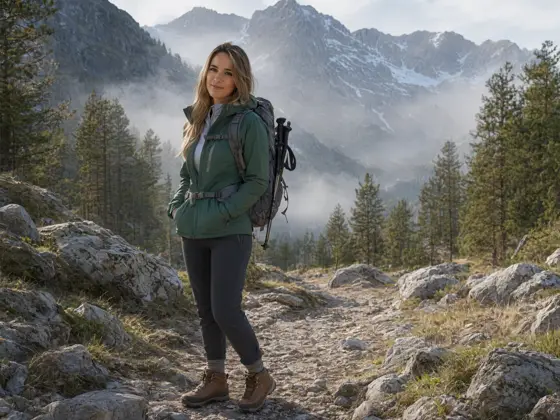
Qwen3 Pro Image to Image
Image editing Image from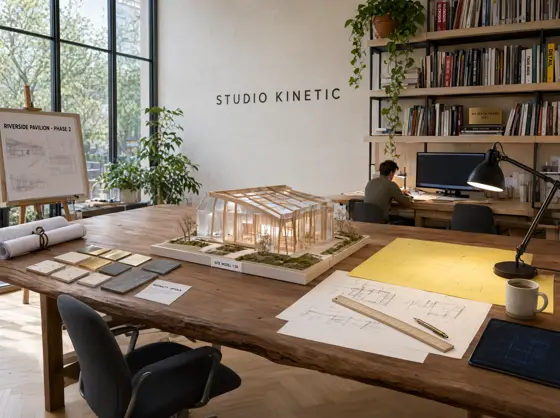
Qwen3 Pro Text to Image
Image from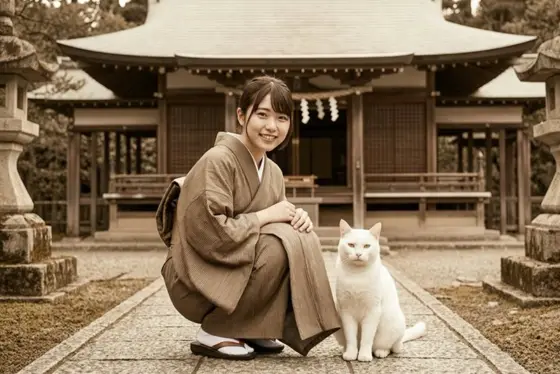
Wan 2.7 Image Pro
Text to image Image from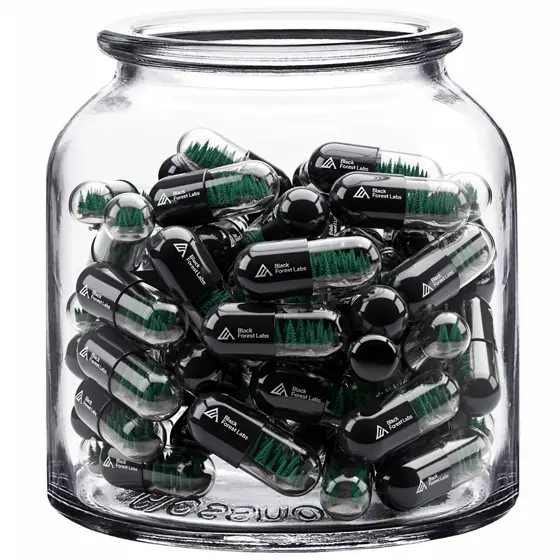
FLUX.2 Pro Image to Image
Image editing Image from
FLUX.2 Pro Text to Image
Image from
Seedream 5.0 Pro Image to Image
Image editing Image from
Seedream 5.0 Pro Text to Image
Image from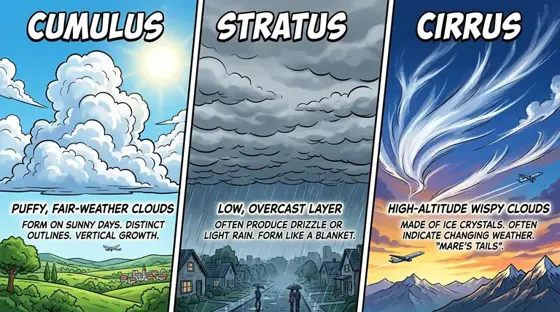
Nano Banana 2
Text to imageImage to image Image from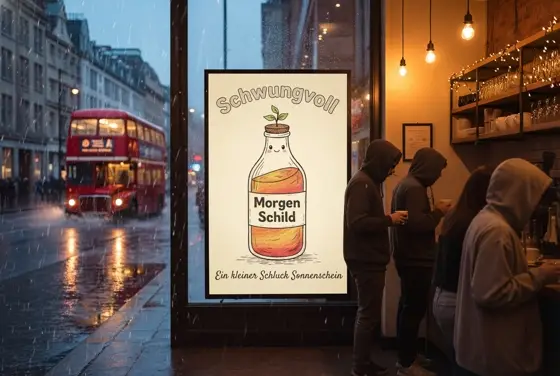
Nano Banana Pro
Image editingImage to image Image from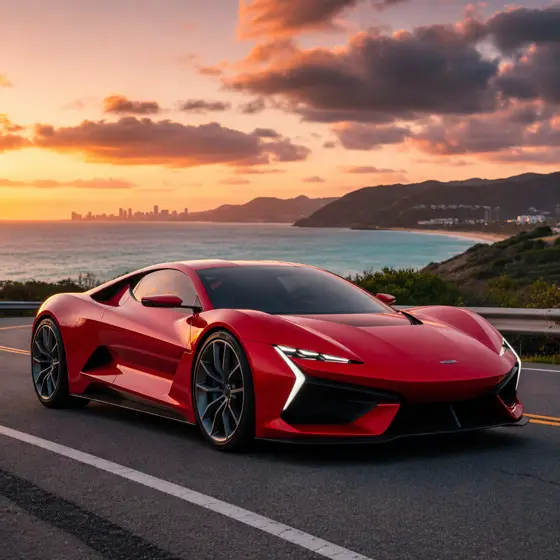
GPT Image 2 Image to Image
Image editing Image from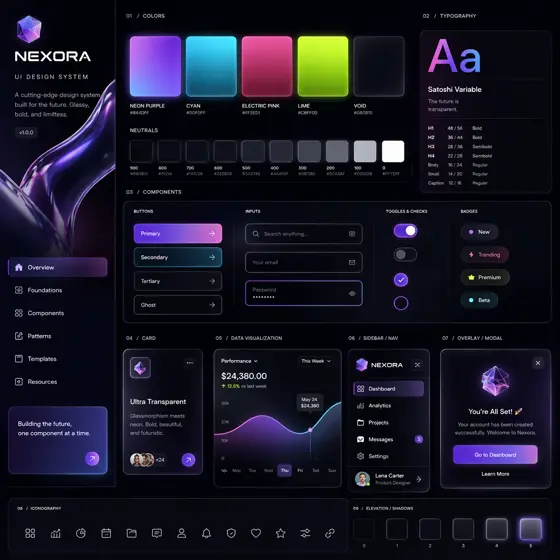
GPT Image 2 Text to Image
Image from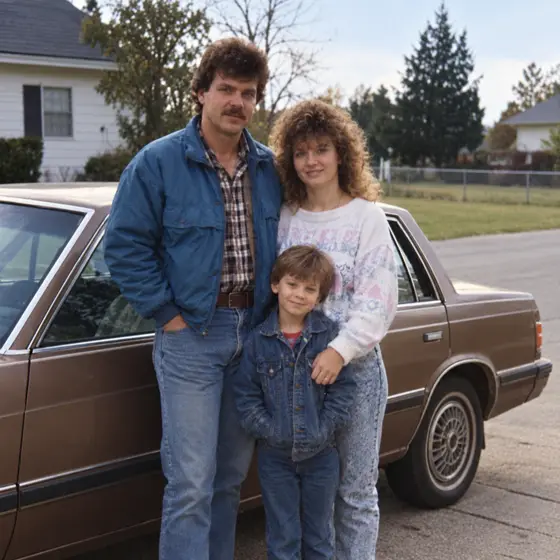
GPT Image 2.5 Flare Image to Image
Image editing Image from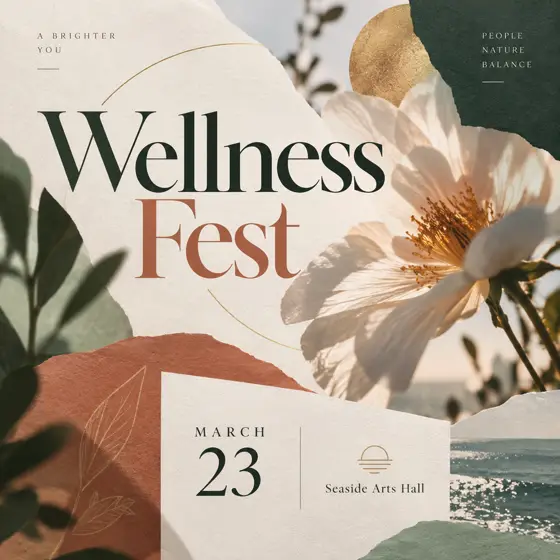
GPT Image 2.5 Flare Text to Image
Image from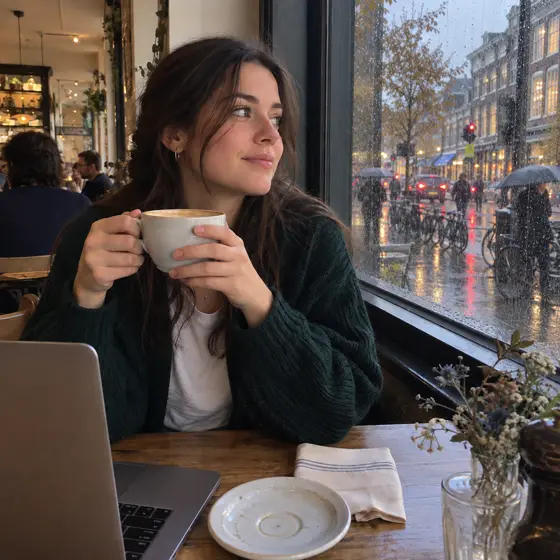
GPT Image 2.5 Sunburst Image to Image
Image editing Image from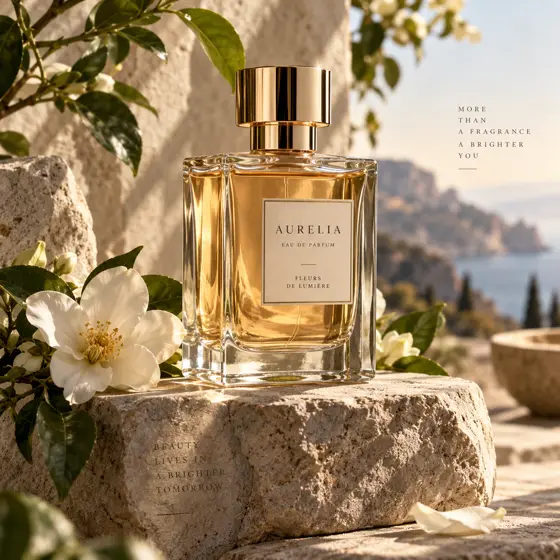
GPT Image 2.5 Sunburst Text to Image
Image from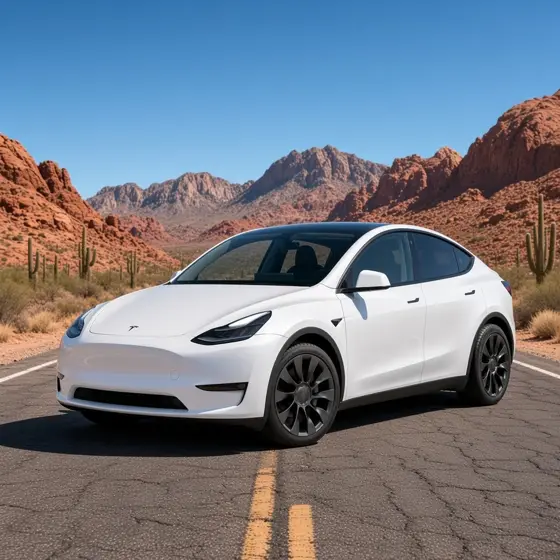
Grok Imagine Image 2.0 Image Edit
Image to imageImage editing Image from
Grok Imagine Image 2.0 Text to Image
Image fromSeedream 5.0 Pro Layer Decomposition
Image from Coming soon
Recraft Crisp Upscale
Image from Coming soon
Recraft Remove Background
Background removal Image from Coming soon
Topaz Image Upscale
Image fromGrok Imagine Image 2.0 Segment Edit
Image editing Image fromGrok Imagine Image 2.0 Segment Map
Segmentation Image fromUse these models from your AI agent
Your agent — Claude Code, Codex or Cursor — follows Video Blade recipes, picks the model, shows the price before it runs and saves every result to your dashboard.
- Create an account on Video Blade and pick a plan — from .
- Copy the agent link from your dashboard into Claude Code, Codex or Cursor.
- Tell the agent what to make — for example, the phrase below.
Edit this kettle photo with Qwen3 Pro Image to Image at 2K, 4:3: add neat handwritten labels with arrows pointing to the lid, handle and spout.
This request ≈ · Output · 2K
Questions about AI image models
Which AI image model should I start with?
For everyday product shots, posters and social images start with a fast general model such as Nano Banana 2 or GPT Image 2. Use the image-to-image versions when you already have a photo to change, and an upscaler when the picture is right but too small.
What is the difference between text to image and image to image?
Text to image draws a new picture from your description. Image to image takes a picture you upload and changes it: a new background, another color, a different style, or a fix to one detail, while keeping the rest of the photo.
How is an AI image billed on Video Blade?
Per picture. Each model has its own price per image, and some charge more for higher resolution. Tokens are held when the run starts and settled when it finishes; a failed run costs nothing.
Can my AI agent make images for me?
Yes. Connect Claude Code, Codex or Cursor to Video Blade with the link from your dashboard, describe the picture, and the agent orders it with the model you choose. Every image lands in your dashboard with its prompt and price.