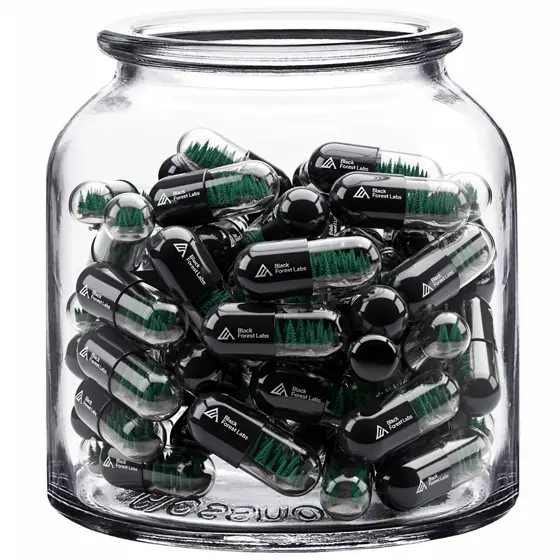
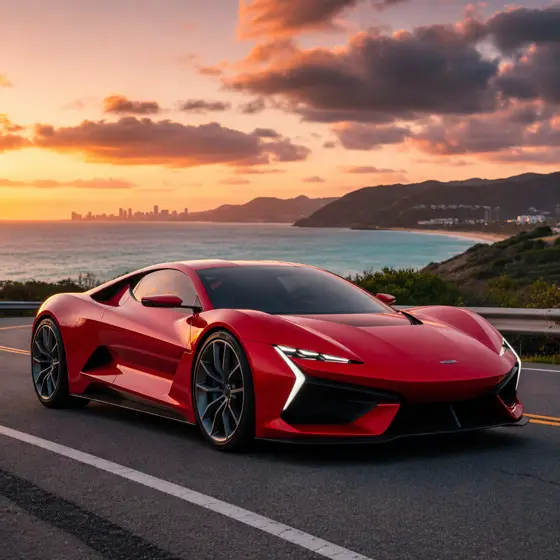
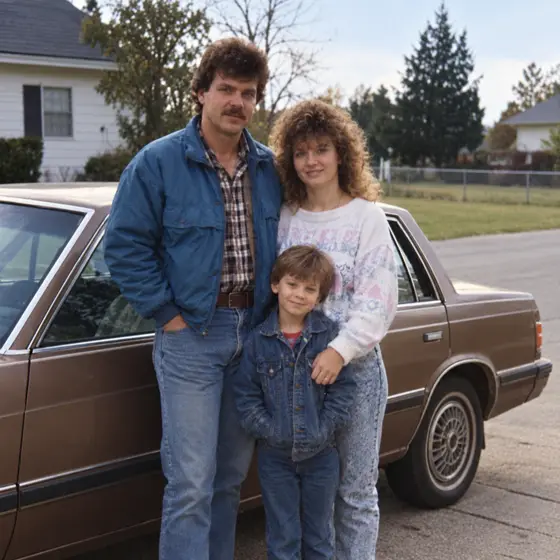
Qwen3 Pro Image to Image API
Edits existing photos from a plain instruction, adding labels, notes or new scenery while keeping the original subject.
Prices are temporarily unavailable — refresh the page in a minute.
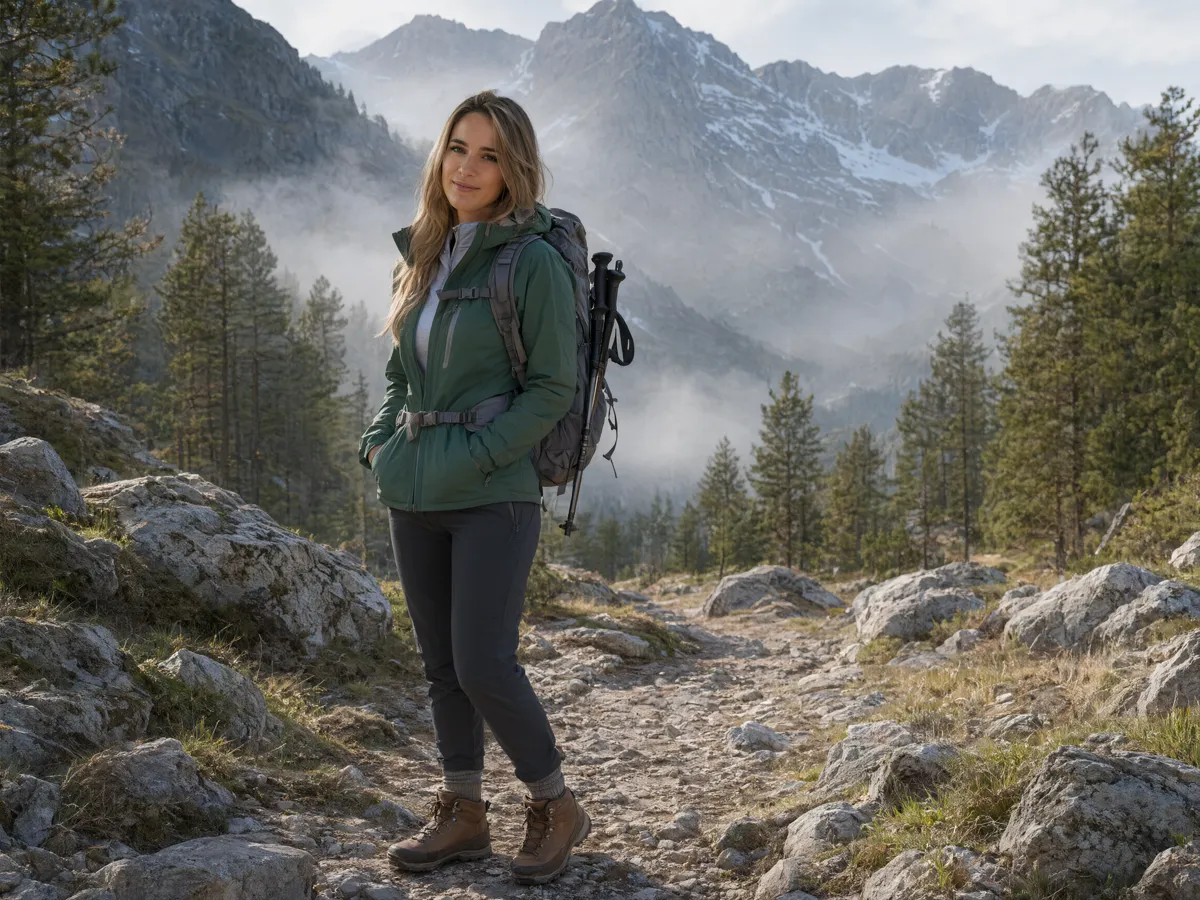
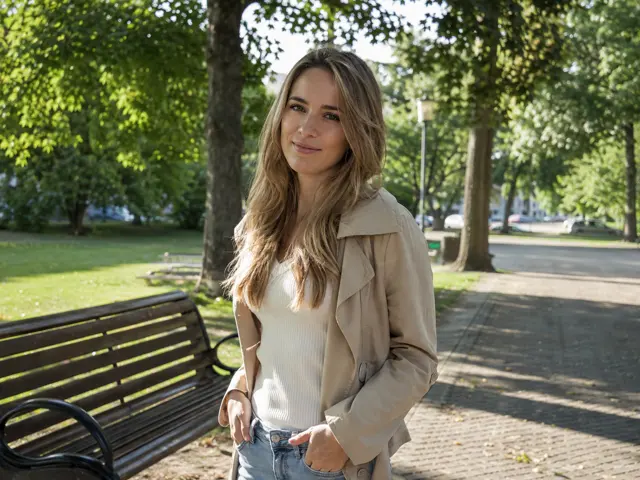 ↑ Result above
What Qwen3 Pro Image to Image is good for
Qwen3 Pro Image to Image is the editing mode of Qwen-Image-3.0 Pro, Alibaba's image model aimed at pictures packed with text and structure. It takes up to three input images and a written instruction, then returns the changed picture at 1K or 2K in PNG or JPEG. Typical jobs include adding handwritten notes to a photo, moving a person into a new setting and marking up a snapshot with labels for a report.
- Labeling parts of a product or lab photo for a manual or report
- Adding handwritten notes and arrows to a photo of a recipe or chart
- Moving a person into a new setting and outfit while keeping them recognizable
- Edits guided by up to three input images and one instruction
Qwen3 Pro Image to Image pricing
| Option | Price, USD | Video Blade tokens |
|---|---|---|
| Output · 1K | tokens | |
| Output · 2K | tokens |
Through Video Blade you order 1K or 2K pictures in 1:1, 3:4, 4:3, 9:16 or 16:9, one to four variants at a time, with up to 3 reference images.
Prices are per image and live from our price list. Tokens are held when a run starts and settled to what was actually used; a failed run costs nothing.
Use Qwen3 Pro Image to Image from your AI agent
- Create an account on Video Blade and pick a plan — from .
- Copy the agent link from your dashboard into Claude Code, Codex or Cursor.
- Give the agent your photo — a file path or a link — and say the phrase below: it shows the price, runs Qwen3 Pro Image to Image and saves the result.
Edit this kettle photo with Qwen3 Pro Image to Image at 2K, 4:3: add neat handwritten labels with arrows pointing to the lid, handle and spout.
This request ≈ · Output · 2K
Qwen3 Pro Image to Image FAQ
How much does Qwen3 Pro Image to Image cost?
Image from . Prices are live from our price list, and you see the exact price before anything runs.
How many images can Qwen3 Pro Image to Image take at once?
Up to three per request, together with one written instruction. The edited picture comes back at 1K or 2K as a PNG or JPEG, in aspect ratios from square to 21:9, including 4:3, 3:4, 16:9 and 9:16.
Can Qwen3 Pro Image to Image add text to an existing photo?
Yes, and it is a core use. One instruction can add labels, captions or handwritten notes with arrows while keeping the original subject in place, which turns ordinary photos into annotated figures. The underlying model writes text in 12 languages natively, so annotations do not have to be in English.
How do I use Qwen3 Pro Image to Image from my AI agent?
Create a Video Blade account, paste the agent link from your dashboard into Claude Code, Codex or Cursor, and ask: “Edit this kettle photo with Qwen3 Pro Image to Image at 2K, 4:3: add neat handwritten labels with arrows pointing to the lid, handle and spout.” The agent runs Qwen3 Pro Image to Image (model id qwen3-pro-text-to-image with your reference images), shows the price before it starts and saves the result to your dashboard.
How is Qwen3 Pro Image to Image billed?
Per image: every option has its own price for one picture. Tokens are held when a run starts and settled to what was actually used; a failed run costs nothing. Current prices are shown on this page.
What settings does Qwen3 Pro Image to Image support?
Resolution: 1K or 2K. Through Video Blade you order 1K or 2K pictures in 1:1, 3:4, 4:3, 9:16 or 16:9, one to four variants at a time, with up to 3 reference images.
Qwen3 Pro Image to Image in the Video Blade API
qwen3-pro-text-to-imageYour agent sends this model id with the order and attaches reference images — Video Blade then runs Qwen3 Pro Image to Image; the result lands in the project, and every request is in your generation log with its price.
Through Video Blade you order 1K or 2K pictures in 1:1, 3:4, 4:3, 9:16 or 16:9, one to four variants at a time, with up to 3 reference images.
POST /api/v1/projects/{id}/image-series
{"title": "…", "prompt": "…", "model": "qwen3-pro-text-to-image", "aspect_ratio": "9:16", "resolution": "2K", "references": [{"url": "https://…/photo.jpg"}]}
POST /api/v1/projects/{id}/image-series/{item_id}/generate