Qwen3 Pro Text to Image API
Generates text-heavy images from one detailed prompt: infographics, slides, menus and interface mockups with legible lettering.
Prices are temporarily unavailable — refresh the page in a minute.
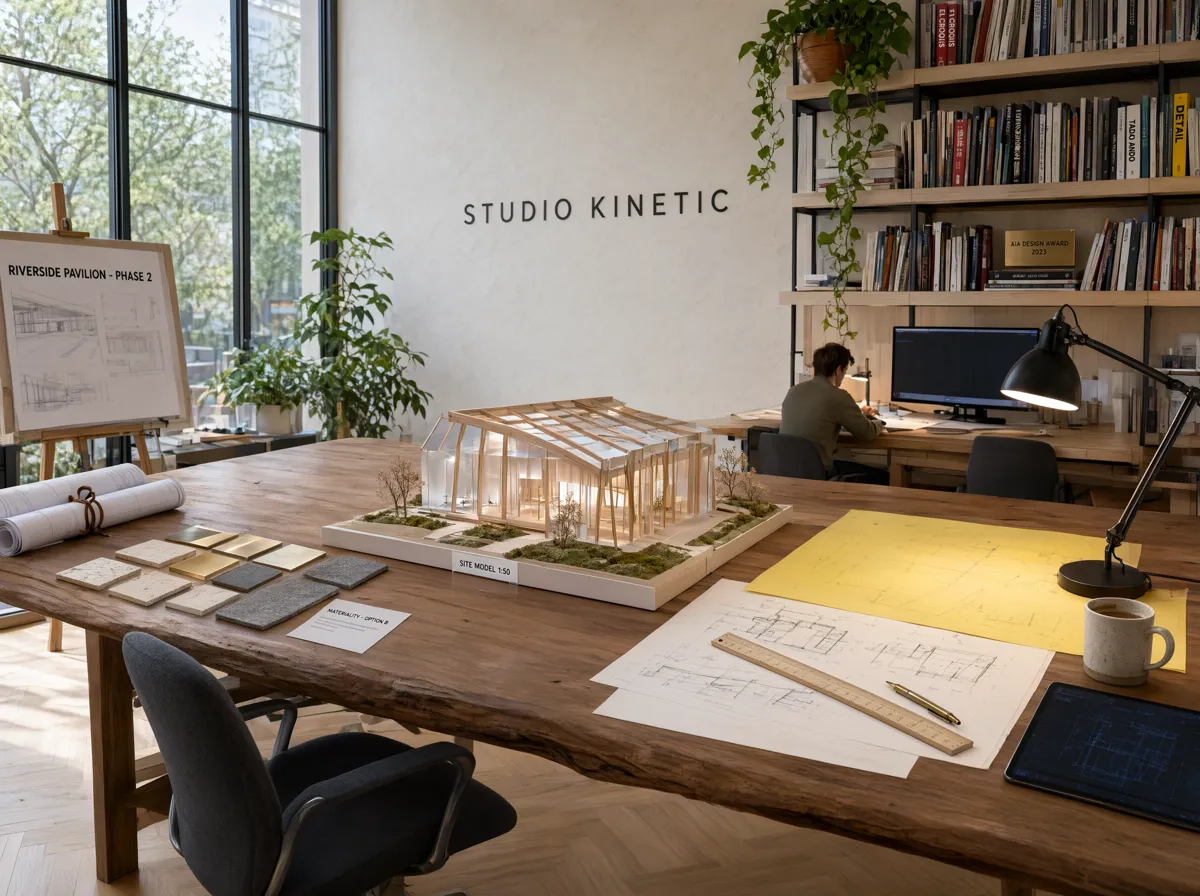
What Qwen3 Pro Text to Image is good for
Qwen3 Pro Text to Image runs Qwen-Image-3.0 Pro, the third generation of Alibaba's Qwen-Image series, made for information-dense pictures. A single long prompt can lay out panels, labels, charts and captions, and the model handles lettering in 12 languages, down to small print. Output comes at 1K or 2K in eight aspect ratios, from square to 21:9, which suits publishing, education and product teams.
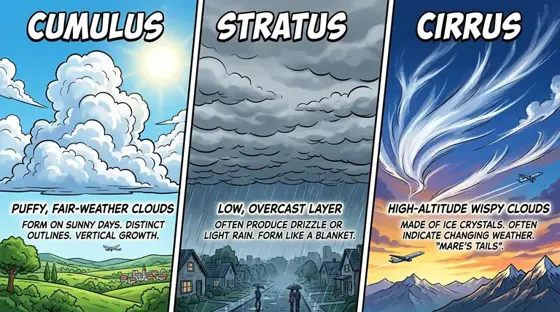
- Four-panel infographics with labels, a chart and a caption from one prompt
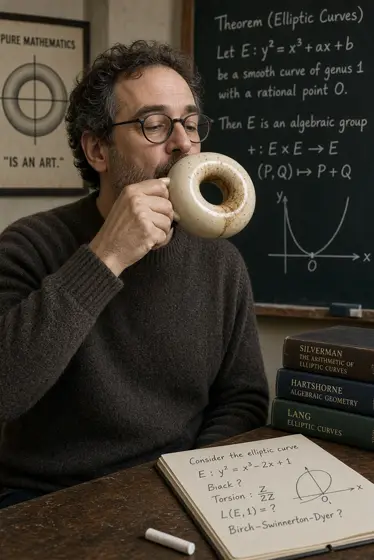
- Classroom slides, test sheets and newspaper-style pages with readable headings
- App and website screen mockups for pitches before anything is built
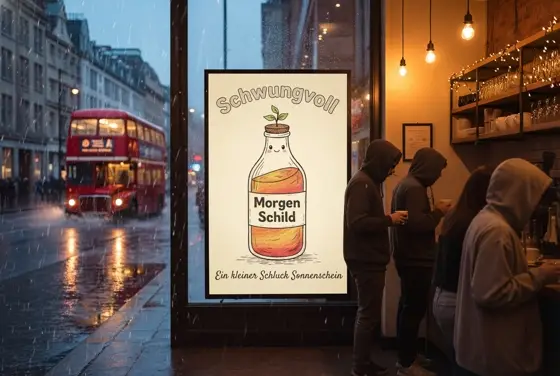
- One poster or menu design rendered in several languages
- Close-up still lifes with fine textures like paper fibers and wood grain
Qwen3 Pro Text to Image pricing
| Option | Price, USD | Video Blade tokens |
|---|---|---|
| Text to image · 1K | tokens | |
| Text to image · 2K | tokens |
Through Video Blade you order 1K or 2K pictures in 1:1, 3:4, 4:3, 9:16 or 16:9, one to four variants at a time, with up to 3 reference images.
Prices are per image and live from our price list. Tokens are held when a run starts and settled to what was actually used; a failed run costs nothing.
Use Qwen3 Pro Text to Image from your AI agent
- Create an account on Video Blade and pick a plan — from .
- Copy the agent link from your dashboard into Claude Code, Codex or Cursor.
- Say the phrase below — the agent shows the price, runs Qwen3 Pro Text to Image and saves the result.
Create a 2K 3:4 image with Qwen3 Pro Text to Image: a coffee shop chalkboard menu listing six drinks in English and Spanish, hand-lettered on dark slate.
This request ≈ · Text to image · 2K
Qwen3 Pro Text to Image FAQ
How much does Qwen3 Pro Text to Image cost?
Image from . Prices are live from our price list, and you see the exact price before anything runs.
How many languages can Qwen3 Pro write inside images?
Qwen-Image-3.0 draws lettering natively in 12 languages, so text is part of the image itself rather than an overlay added afterward. It copes with scripts and marks such as Japanese kana and kanji, accented Spanish letters and upside-down question marks, which makes one design workable across several markets.
Is Qwen3 Pro the same as the Qwen3 language model?
No. Qwen3 is the name of the Qwen team's language-model family, while pictures come from a separate line called Qwen-Image. Qwen3 Pro Text to Image runs Qwen-Image-3.0 Pro, an image generator built for dense layouts and in-image text rather than conversation.
How do I use Qwen3 Pro Text to Image from my AI agent?
Create a Video Blade account, paste the agent link from your dashboard into Claude Code, Codex or Cursor, and ask: “Create a 2K 3:4 image with Qwen3 Pro Text to Image: a coffee shop chalkboard menu listing six drinks in English and Spanish, hand-lettered on dark slate.” The agent runs Qwen3 Pro Text to Image (model id qwen3-pro-text-to-image), shows the price before it starts and saves the result to your dashboard.
How is Qwen3 Pro Text to Image billed?
Per image: every option has its own price for one picture. Tokens are held when a run starts and settled to what was actually used; a failed run costs nothing. Current prices are shown on this page.
What settings does Qwen3 Pro Text to Image support?
Resolution: 1K or 2K. Through Video Blade you order 1K or 2K pictures in 1:1, 3:4, 4:3, 9:16 or 16:9, one to four variants at a time, with up to 3 reference images.
Qwen3 Pro Text to Image in the Video Blade API
qwen3-pro-text-to-imageYour agent sends this model id with the order; the result lands in the project, and every request is in your generation log with its price.
Through Video Blade you order 1K or 2K pictures in 1:1, 3:4, 4:3, 9:16 or 16:9, one to four variants at a time, with up to 3 reference images.
POST /api/v1/projects/{id}/image-series
{"title": "…", "prompt": "…", "model": "qwen3-pro-text-to-image", "aspect_ratio": "9:16", "resolution": "2K"}
POST /api/v1/projects/{id}/image-series/{item_id}/generate