FLUX.2 Pro Text to Image API
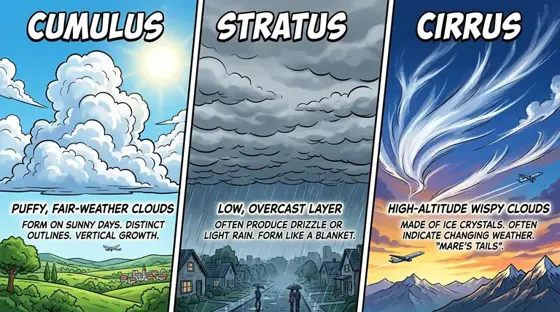
Produces photorealistic images from detailed prompts, with believable materials, natural light and crisp small type.
Prices are temporarily unavailable — refresh the page in a minute.
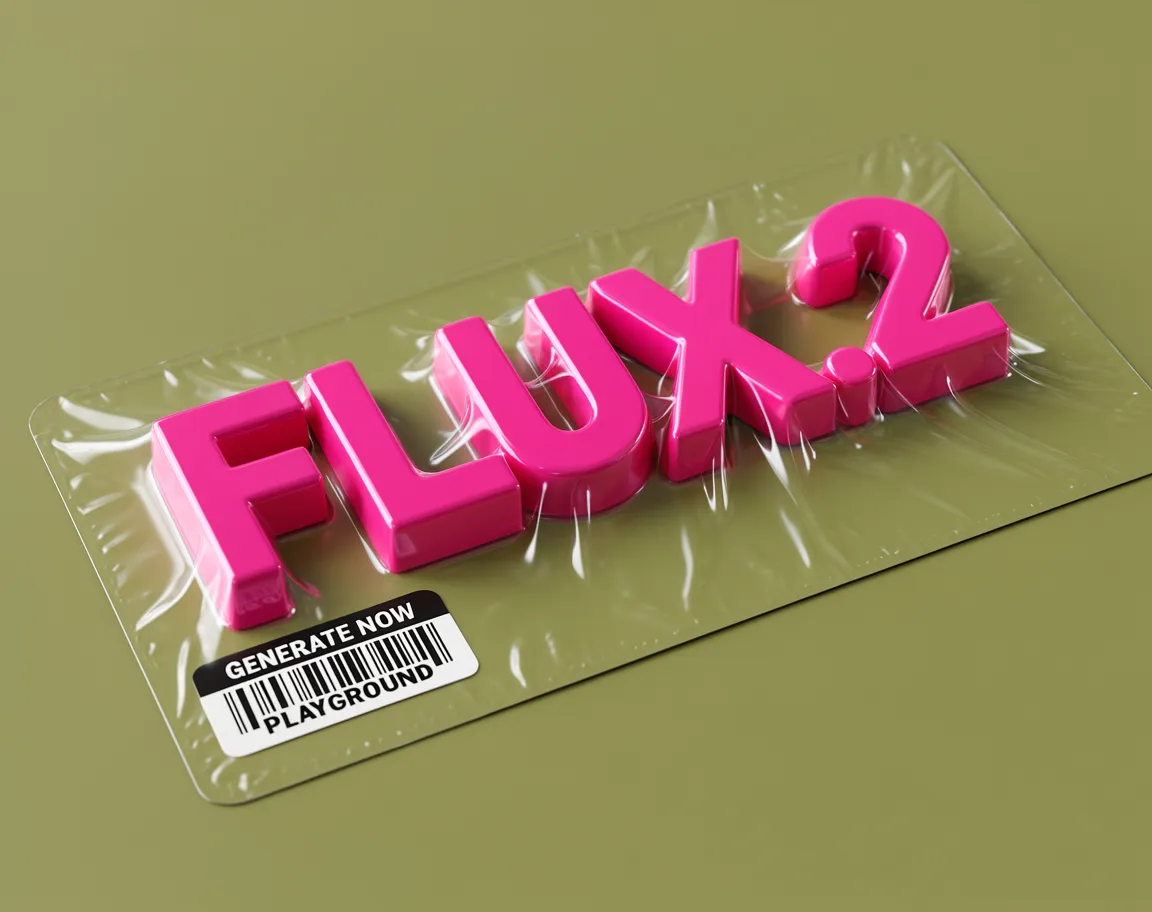
What FLUX.2 Pro Text to Image is good for
FLUX.2 Pro Text to Image is Black Forest Labs' production-focused model for creating pictures from a written brief of up to 5,000 characters. It follows multi-part instructions on layout, props and lighting, understands how real materials and reflections behave, and handles typography down to small fonts. It suits ads, posters, product concepts and infographics at 1K or 2K in seven aspect ratios.
- Photorealistic product shots where glass, metal and fabric must look right
- Posters and infographics with small, readable type and even spacing
- UI mockups and meme-style images that need accurate text
- Vertical ads, banners and wide product visuals from one brief
- Scenes with strict rules for props, placement and lighting
FLUX.2 Pro Text to Image pricing
| Option | Price, USD | Video Blade tokens |
|---|---|---|
| Text to image · 1K | tokens | |
| Text to image · 2K | tokens |
Through Video Blade you order 1K or 2K pictures in 1:1, 3:4, 4:3, 9:16 or 16:9, one to four variants at a time, with up to 8 reference images.
Prices are per image and live from our price list. Tokens are held when a run starts and settled to what was actually used; a failed run costs nothing.
Use FLUX.2 Pro Text to Image from your AI agent
- Create an account on Video Blade and pick a plan — from .
- Copy the agent link from your dashboard into Claude Code, Codex or Cursor.
- Say the phrase below — the agent shows the price, runs FLUX.2 Pro Text to Image and saves the result.
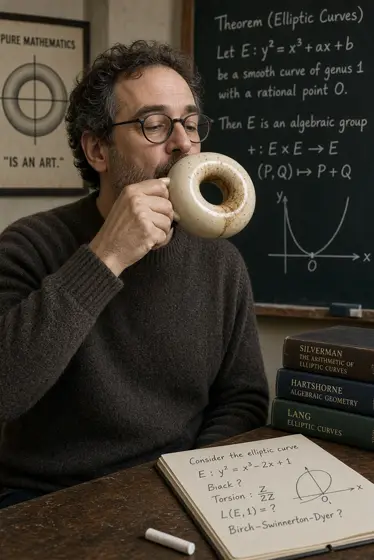
Make a 2K 4:3 product shot with FLUX.2 Pro: a matte ceramic coffee mug on a walnut desk, soft window light, the word "Morning" printed on the side.
This request ≈ · Text to image · 2K
FLUX.2 Pro Text to Image FAQ
How much does FLUX.2 Pro Text to Image cost?
Image from . Prices are live from our price list, and you see the exact price before anything runs.
How well does FLUX.2 Pro handle text inside images?
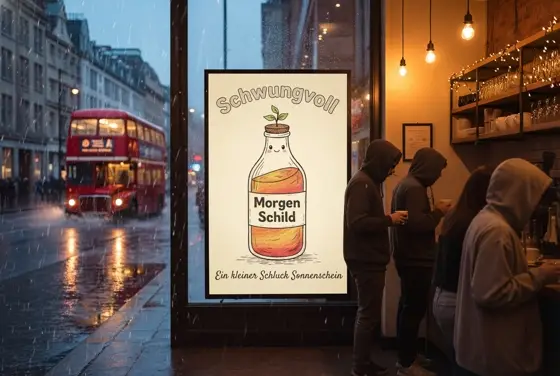
Text is a strong point. FLUX.2 Pro handles fine typography in infographics, app screens and meme captions, and small lettering stays crisp and evenly spaced. It also respects structured layout instructions, so a poster or mockup keeps the design you asked for.
How is FLUX.2 Pro different from FLUX.2 Flex and FLUX.2 Dev?
All three belong to the FLUX.2 family. Pro is aimed at production work where accuracy, quick turnaround and steady quality matter. Flex lets you adjust steps, guidance and speed for tighter typography or detail. Dev is the open-weight release you can download and run on your own servers.
How do I use FLUX.2 Pro Text to Image from my AI agent?
Create a Video Blade account, paste the agent link from your dashboard into Claude Code, Codex or Cursor, and ask: “Make a 2K 4:3 product shot with FLUX.2 Pro: a matte ceramic coffee mug on a walnut desk, soft window light, the word "Morning" printed on the side.” The agent runs FLUX.2 Pro Text to Image (model id flux2-pro-text-to-image), shows the price before it starts and saves the result to your dashboard.
How is FLUX.2 Pro Text to Image billed?
Per image: every option has its own price for one picture. Tokens are held when a run starts and settled to what was actually used; a failed run costs nothing. Current prices are shown on this page.
What settings does FLUX.2 Pro Text to Image support?
Prompt: up to 5,000 characters. Aspect ratio: 1:1, 4:3, 3:4, 16:9, 9:16, 3:2 or 2:3. Resolution: 1K or 2K. Through Video Blade you order 1K or 2K pictures in 1:1, 3:4, 4:3, 9:16 or 16:9, one to four variants at a time, with up to 8 reference images.
FLUX.2 Pro Text to Image in the Video Blade API
flux2-pro-text-to-imageYour agent sends this model id with the order; the result lands in the project, and every request is in your generation log with its price.
Through Video Blade you order 1K or 2K pictures in 1:1, 3:4, 4:3, 9:16 or 16:9, one to four variants at a time, with up to 8 reference images.
POST /api/v1/projects/{id}/image-series
{"title": "…", "prompt": "…", "model": "flux2-pro-text-to-image", "aspect_ratio": "9:16", "resolution": "2K"}
POST /api/v1/projects/{id}/image-series/{item_id}/generate