GPT Image 2 Text to Image API
Generates posters, packaging, infographics and ads from a prompt, with long, legible text in many languages.
Prices are temporarily unavailable — refresh the page in a minute.
What GPT Image 2 Text to Image is good for
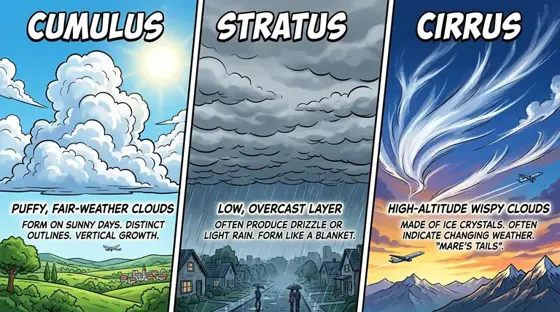
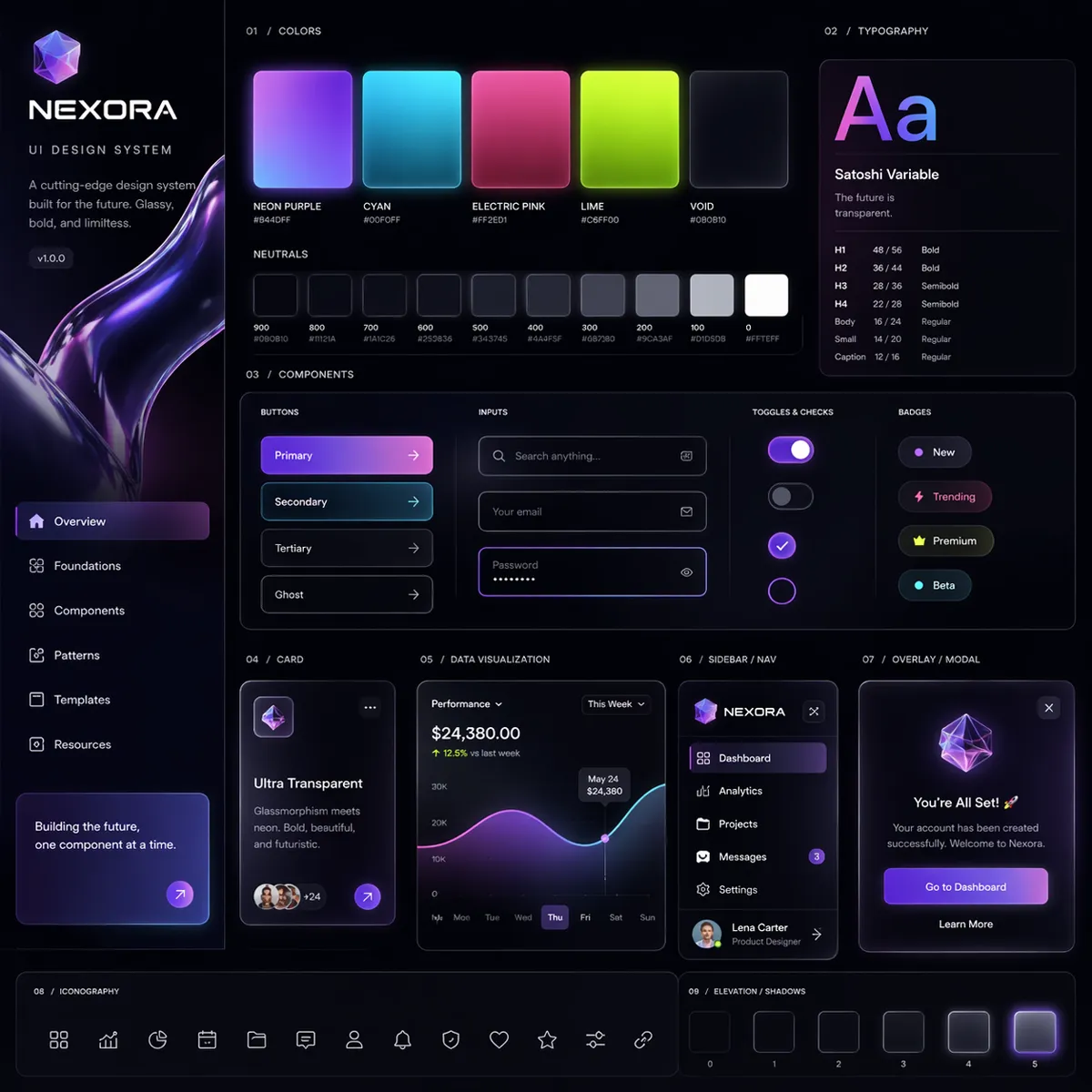
GPT Image 2 Text to Image is OpenAI's model for turning a written prompt into a finished visual. It stands out for text inside the picture, from long phrases to multi-word labels, including languages such as Japanese, Korean, Chinese, Hindi and Bengali, and for keeping multi-subject layouts in order. It suits ads, infographics, diagrams and interface concepts, framed anywhere from 3:1 wide to 1:3 tall, up to 4K.
- Localized ads with headlines in Japanese, Korean, Chinese, Hindi or Bengali
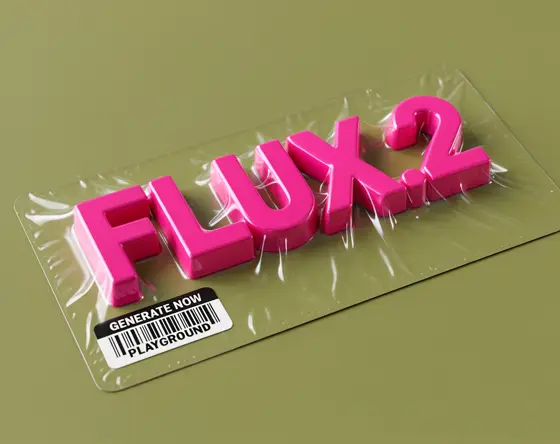
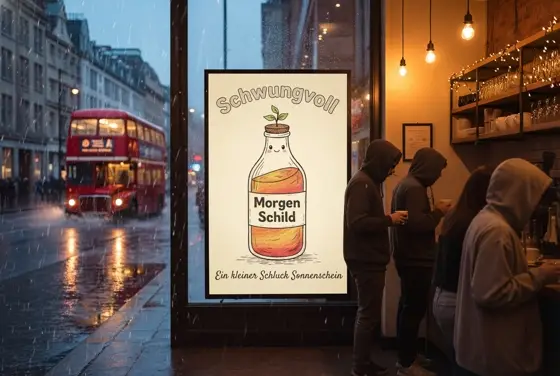
- Posters, packaging and storefront mockups where the text has to read clearly
- Maps, labeled diagrams and educational visuals that need factual structure
- UI concepts and infographics with dense, organized layouts
- A steady stream of social and banner creatives for one campaign
GPT Image 2 Text to Image pricing
| Option | Price, USD | Video Blade tokens |
|---|---|---|
| Text to image · 1K | tokens | |
| Text to image · 2K | tokens | |
| Text to image · 4K | tokens |
Through Video Blade you order 1K or 2K pictures in 1:1, 3:4, 4:3, 9:16 or 16:9, one to four variants at a time, with up to 8 reference images.
Prices are per image and live from our price list. Tokens are held when a run starts and settled to what was actually used; a failed run costs nothing.
Use GPT Image 2 Text to Image from your AI agent
- Create an account on Video Blade and pick a plan — from .
- Copy the agent link from your dashboard into Claude Code, Codex or Cursor.
- Say the phrase below — the agent shows the price, runs GPT Image 2 Text to Image and saves the result.
Make a 2K 9:16 farmers market poster with GPT Image 2: headline "Saturday Market, Main Street" above hand-drawn peaches and tomatoes.
This request ≈ · Text to image · 2K
GPT Image 2 Text to Image FAQ
How much does GPT Image 2 Text to Image cost?
Image from . Prices are live from our price list, and you see the exact price before anything runs.
Which languages can GPT Image 2 write inside an image?
Beyond English, it can render text in languages with non-Latin scripts, including Japanese, Korean, Chinese, Hindi and Bengali. That makes it useful for localized ads, international packaging and interface mockups, where the text is part of the finished design. It also keeps punctuation and letter casing consistent across long phrases.
Is GPT Image 2 good for maps, diagrams and educational visuals?
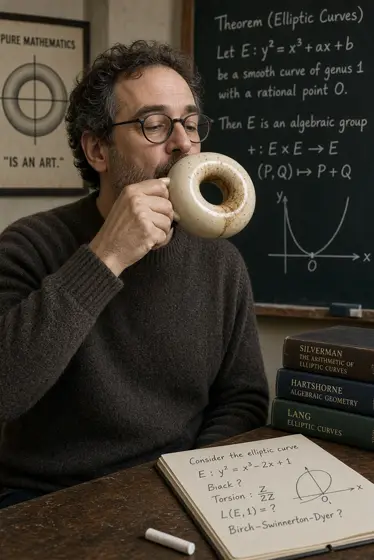
Yes. GPT Image 2 draws on broad world knowledge, so maps, anatomy-style diagrams, historical reconstructions and architectural scenes come out with believable structure and sensible relationships between objects. Because it can also write labels and captions into the picture, it works well for teaching materials and explainers.
How do I use GPT Image 2 Text to Image from my AI agent?
Create a Video Blade account, paste the agent link from your dashboard into Claude Code, Codex or Cursor, and ask: “Make a 2K 9:16 farmers market poster with GPT Image 2: headline "Saturday Market, Main Street" above hand-drawn peaches and tomatoes.” The agent runs GPT Image 2 Text to Image (model id gpt-gpt-image-2-text-to-image), shows the price before it starts and saves the result to your dashboard.
How is GPT Image 2 Text to Image billed?
Per image: every option has its own price for one picture. Tokens are held when a run starts and settled to what was actually used; a failed run costs nothing. Current prices are shown on this page.
What settings does GPT Image 2 Text to Image support?
Aspect ratio: auto, 1:1, 3:2, 2:3, 4:3, 3:4, 5:4, 4:5, 16:9, 9:16, 2:1, 1:2, 3:1, 1:3, 21:9 or 9:21. Resolution: 1K, 2K or 4K. Through Video Blade you order 1K or 2K pictures in 1:1, 3:4, 4:3, 9:16 or 16:9, one to four variants at a time, with up to 8 reference images.
GPT Image 2 Text to Image in the Video Blade API
gpt-gpt-image-2-text-to-imageYour agent sends this model id with the order; the result lands in the project, and every request is in your generation log with its price.
Through Video Blade you order 1K or 2K pictures in 1:1, 3:4, 4:3, 9:16 or 16:9, one to four variants at a time, with up to 8 reference images.
POST /api/v1/projects/{id}/image-series
{"title": "…", "prompt": "…", "model": "gpt-gpt-image-2-text-to-image", "aspect_ratio": "9:16", "resolution": "2K"}
POST /api/v1/projects/{id}/image-series/{item_id}/generate