Grok Imagine Image 2.0 Image Edit API
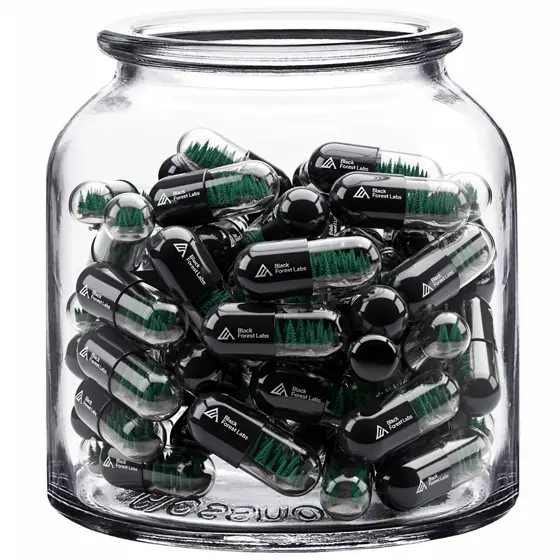
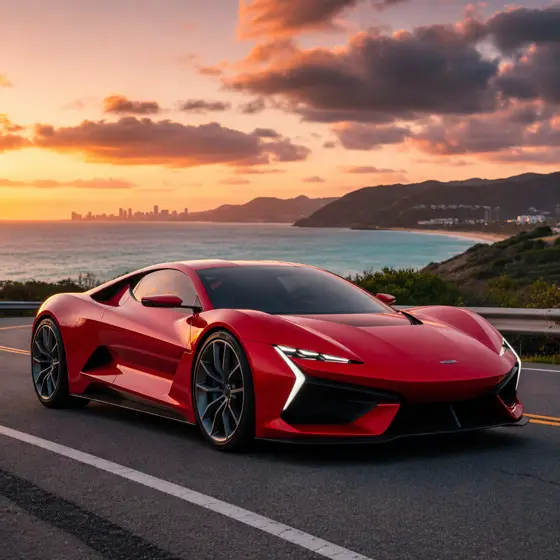
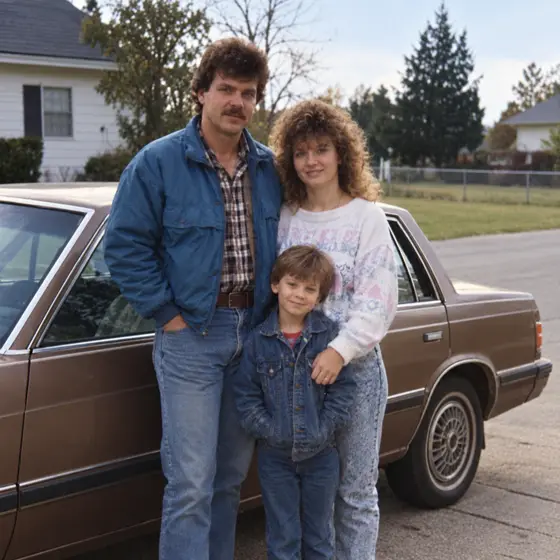
Reworks an existing picture from a written instruction and up to five reference images, keeping what should stay recognizable.
Prices are temporarily unavailable — refresh the page in a minute.
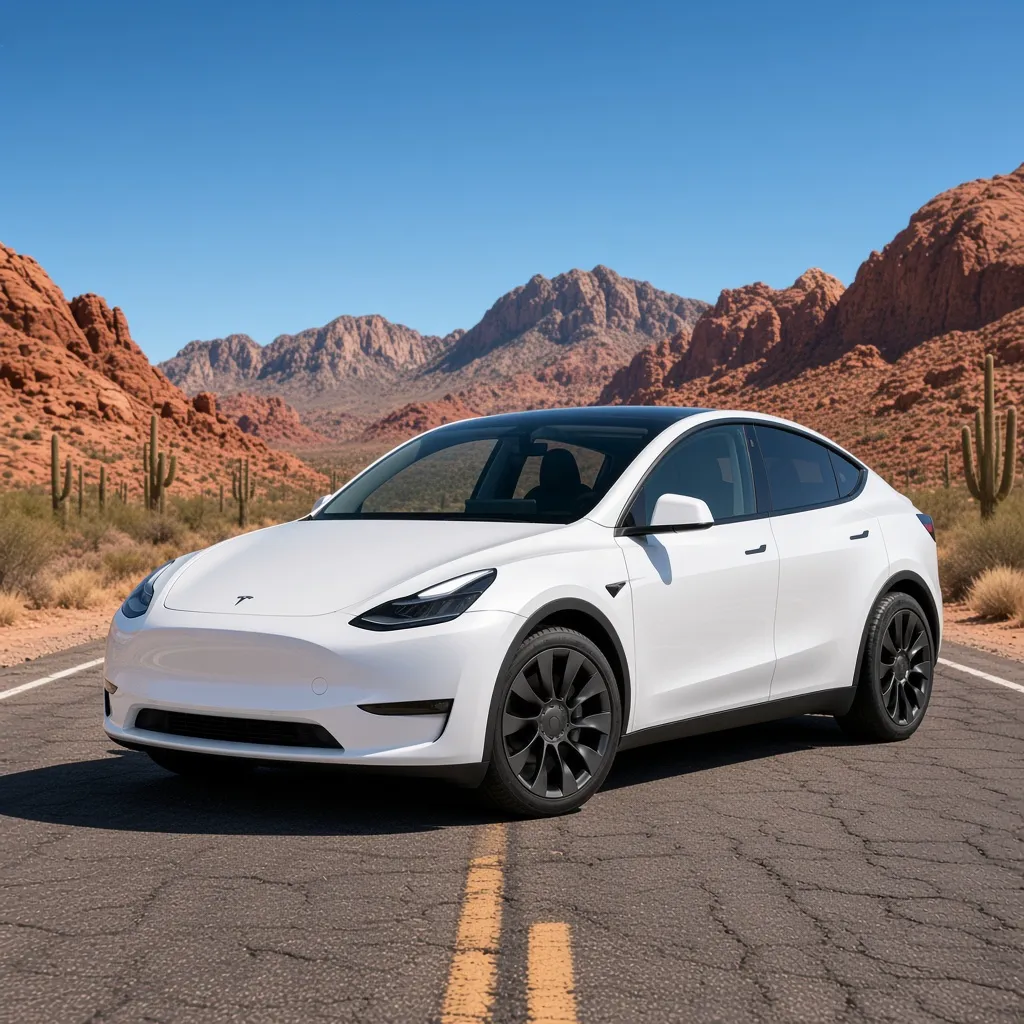
 ↑ Result above
What Grok Imagine Image 2.0 Image Edit is good for
Grok Imagine Image 2.0 Image Edit is the editing mode of xAI's image model: give it a picture and instructions, and it can swap the setting, recolor, restyle or rearrange the scene while aiming to leave unrelated areas untouched. Up to five reference images can shape one result, so a character, an outfit and a location can come from separate photos. It suits product, marketing and design work built on visuals you already have.
- Placing an existing product photo into a new setting while keeping it recognizable
- Restyling a photo or illustration with a new look or color scheme
- Merging a character, an outfit and a location from separate reference images
- Follow-up edits that keep characters and props consistent across a series
Grok Imagine Image 2.0 Image Edit pricing
| Option | Price, USD | Video Blade tokens |
|---|---|---|
| Image Edit | tokens |
Through Video Blade you order pictures in 1:1, 9:16 or 16:9, one to four variants at a time, with up to 5 reference images.
Prices are per image and live from our price list. Tokens are held when a run starts and settled to what was actually used; a failed run costs nothing.
Use Grok Imagine Image 2.0 Image Edit from your AI agent
- Create an account on Video Blade and pick a plan — from .
- Copy the agent link from your dashboard into Claude Code, Codex or Cursor.
- Give the agent your photo — a file path or a link — and say the phrase below: it shows the price, runs Grok Imagine Image 2.0 Image Edit and saves the result.
Turn my three reference photos into one 16:9 image with Grok Imagine Image 2.0 Image Edit: our golden retriever in the red raincoat on our front porch.
This request ≈ · Image Edit
Grok Imagine Image 2.0 Image Edit FAQ
How much does Grok Imagine Image 2.0 Image Edit cost?
Image from . Prices are live from our price list, and you see the exact price before anything runs.
How many reference images can Grok Imagine Image 2.0 Image Edit use?
Up to five in one request. Each can contribute something different, such as a face, an outfit, a room, a prop or an art style, and the written instruction tells the model how to bring them together. Instructions can run up to 8,000 characters.
What is the difference between Grok Imagine Image 2.0 Image Edit and Text to Image?
Text to Image starts from a blank canvas and builds the whole picture from your description. Image Edit starts from pictures you supply and aims to change only what you describe, so it is the better pick when a real product, person or place must stay recognizable.
How do I use Grok Imagine Image 2.0 Image Edit from my AI agent?
Create a Video Blade account, paste the agent link from your dashboard into Claude Code, Codex or Cursor, and ask: “Turn my three reference photos into one 16:9 image with Grok Imagine Image 2.0 Image Edit: our golden retriever in the red raincoat on our front porch.” The agent runs Grok Imagine Image 2.0 Image Edit (model id grok-imagine-image-2-0-text-to-image with your reference images), shows the price before it starts and saves the result to your dashboard.
How is Grok Imagine Image 2.0 Image Edit billed?
Per image: every option has its own price for one picture. Tokens are held when a run starts and settled to what was actually used; a failed run costs nothing. Current prices are shown on this page.
What settings does Grok Imagine Image 2.0 Image Edit support?
Prompt: up to 8,000 characters. Aspect ratio: 1:1, 2:3, 3:2, 16:9, 9:16 or auto. Through Video Blade you order pictures in 1:1, 9:16 or 16:9, one to four variants at a time, with up to 5 reference images.
Grok Imagine Image 2.0 Image Edit in the Video Blade API
grok-imagine-image-2-0-text-to-imageYour agent sends this model id with the order and attaches reference images — Video Blade then runs Grok Imagine Image 2.0 Image Edit; the result lands in the project, and every request is in your generation log with its price.
Through Video Blade you order pictures in 1:1, 9:16 or 16:9, one to four variants at a time, with up to 5 reference images.
POST /api/v1/projects/{id}/image-series
{"title": "…", "prompt": "…", "model": "grok-imagine-image-2-0-text-to-image", "aspect_ratio": "9:16", "resolution": "2K", "references": [{"url": "https://…/photo.jpg"}]}
POST /api/v1/projects/{id}/image-series/{item_id}/generate