GPT Image 2.5 Flare Image to Image API
Quickly swaps a product, background or line of copy in an existing image, using the speed-oriented version of GPT Image 2.5.
Prices are temporarily unavailable — refresh the page in a minute.
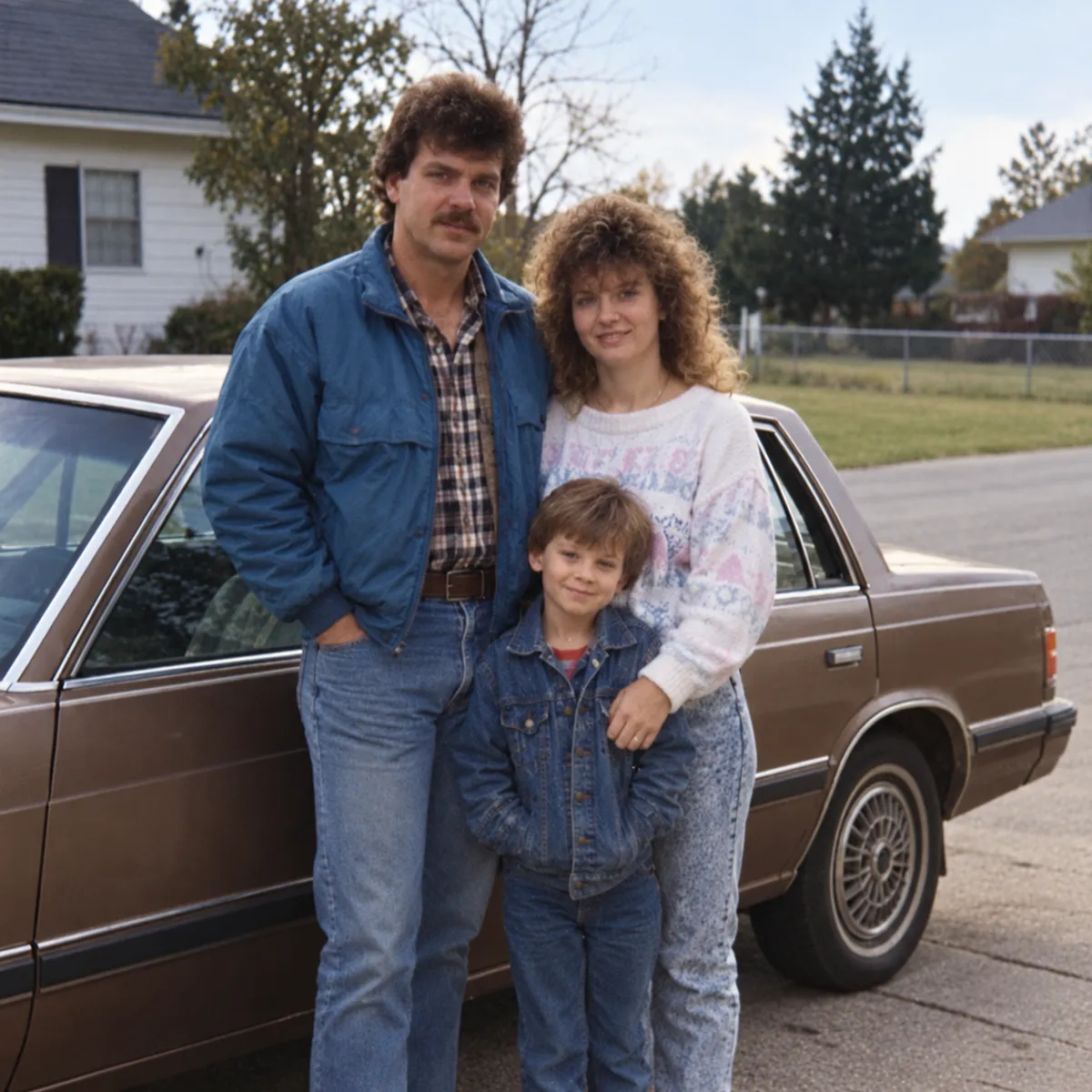
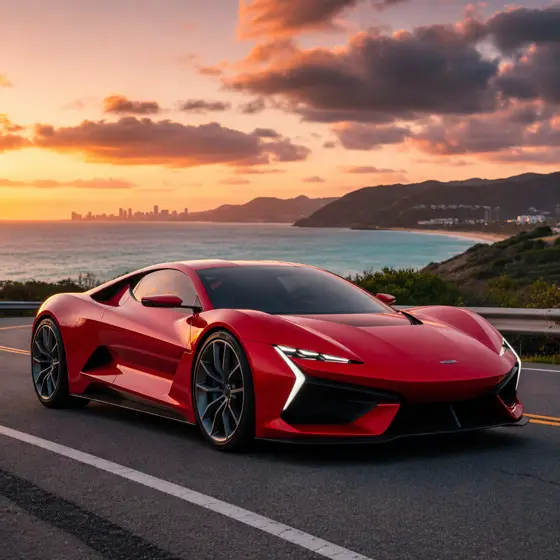
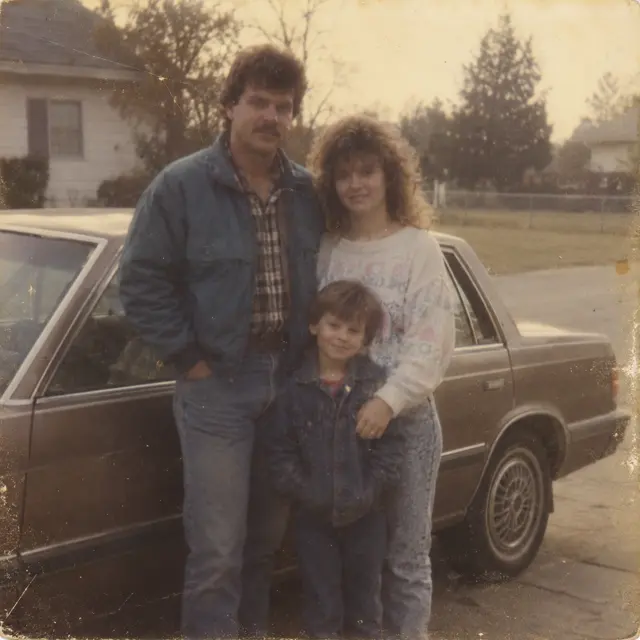 ↑ Result above
What GPT Image 2.5 Flare Image to Image is good for
GPT Image 2.5 Flare Image to Image is the editing model of OpenAI's smaller, speed-oriented GPT Image 2.5 version. You give it one or more reference images and a request, and it reworks them: a new backdrop, an updated product, a changed headline, or a fresh variation of a character. It suits teams that turn around many routine edits for shops, ads and social channels.
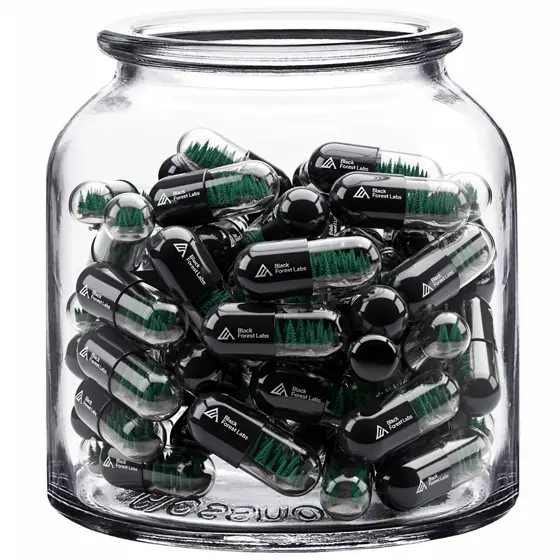
- Swapping the backdrop behind a product photo for a seasonal campaign
- Updating a date, name or headline on an existing ad or social post
- New versions of a mascot or product that stay close to the original
- Restoring old, faded photos by removing dust, scratches and color casts
GPT Image 2.5 Flare Image to Image pricing
| Option | Price, USD | Video Blade tokens |
|---|---|---|
| Image to image · 1K | tokens | |
| Image to image · 2K | tokens | |
| Image to image · 4K | tokens |
Through Video Blade you order 1K or 2K pictures in 1:1, 3:4, 4:3, 9:16 or 16:9, one to four variants at a time, with up to 8 reference images.
Prices are per image and live from our price list. Tokens are held when a run starts and settled to what was actually used; a failed run costs nothing.
Use GPT Image 2.5 Flare Image to Image from your AI agent
- Create an account on Video Blade and pick a plan — from .
- Copy the agent link from your dashboard into Claude Code, Codex or Cursor.
- Give the agent your photo — a file path or a link — and say the phrase below: it shows the price, runs GPT Image 2.5 Flare Image to Image and saves the result.
Edit my bottle photo with GPT Image 2.5 Flare as a 1:1 image at 2K: replace the gray backdrop with a sunny kitchen counter, label untouched.
This request ≈ · Image to image · 2K
GPT Image 2.5 Flare Image to Image FAQ
How much does GPT Image 2.5 Flare Image to Image cost?
Image from . Prices are live from our price list, and you see the exact price before anything runs.
What kinds of edits is GPT Image 2.5 Flare best at?
Everyday, single-change edits: replacing a product, a background or a line of text while the subject, composition and brand look around it stay the same, or making a new version of a character that stays close to the source. For edits where precision matters most, OpenAI points to Sunburst.
How is GPT Image 2.5 Flare image to image different from its text to image model?
The text to image model needs only a prompt and invents everything in the frame. The image to image model also receives your reference images and builds on them, whether that means fixing a detail, moving the subject to a new setting or producing a variation. Settings and output sizes are identical for both.
How do I use GPT Image 2.5 Flare Image to Image from my AI agent?
Create a Video Blade account, paste the agent link from your dashboard into Claude Code, Codex or Cursor, and ask: “Edit my bottle photo with GPT Image 2.5 Flare as a 1:1 image at 2K: replace the gray backdrop with a sunny kitchen counter, label untouched.” The agent runs GPT Image 2.5 Flare Image to Image (model id gpt-gpt-image-2-5-flare-text-to-image with your reference images), shows the price before it starts and saves the result to your dashboard.
How is GPT Image 2.5 Flare Image to Image billed?
Per image: every option has its own price for one picture. Tokens are held when a run starts and settled to what was actually used; a failed run costs nothing. Current prices are shown on this page.
What settings does GPT Image 2.5 Flare Image to Image support?
Aspect ratio: auto, 1:1, 3:2, 2:3, 4:3, 3:4, 16:9, 9:16, 21:9, 27:16, 16:27, 9:8 or 8:9. Resolution: 1K, 2K or 4K. Through Video Blade you order 1K or 2K pictures in 1:1, 3:4, 4:3, 9:16 or 16:9, one to four variants at a time, with up to 8 reference images.
GPT Image 2.5 Flare Image to Image in the Video Blade API
gpt-gpt-image-2-5-flare-text-to-imageYour agent sends this model id with the order and attaches reference images — Video Blade then runs GPT Image 2.5 Flare Image to Image; the result lands in the project, and every request is in your generation log with its price.
Through Video Blade you order 1K or 2K pictures in 1:1, 3:4, 4:3, 9:16 or 16:9, one to four variants at a time, with up to 8 reference images.
POST /api/v1/projects/{id}/image-series
{"title": "…", "prompt": "…", "model": "gpt-gpt-image-2-5-flare-text-to-image", "aspect_ratio": "9:16", "resolution": "2K", "references": [{"url": "https://…/photo.jpg"}]}
POST /api/v1/projects/{id}/image-series/{item_id}/generate