Seedream 5.0 Pro Image to Image API
Reworks one or several reference images into a single finished picture, from sketch-to-photo renders to material and color swaps.
Prices are temporarily unavailable — refresh the page in a minute.
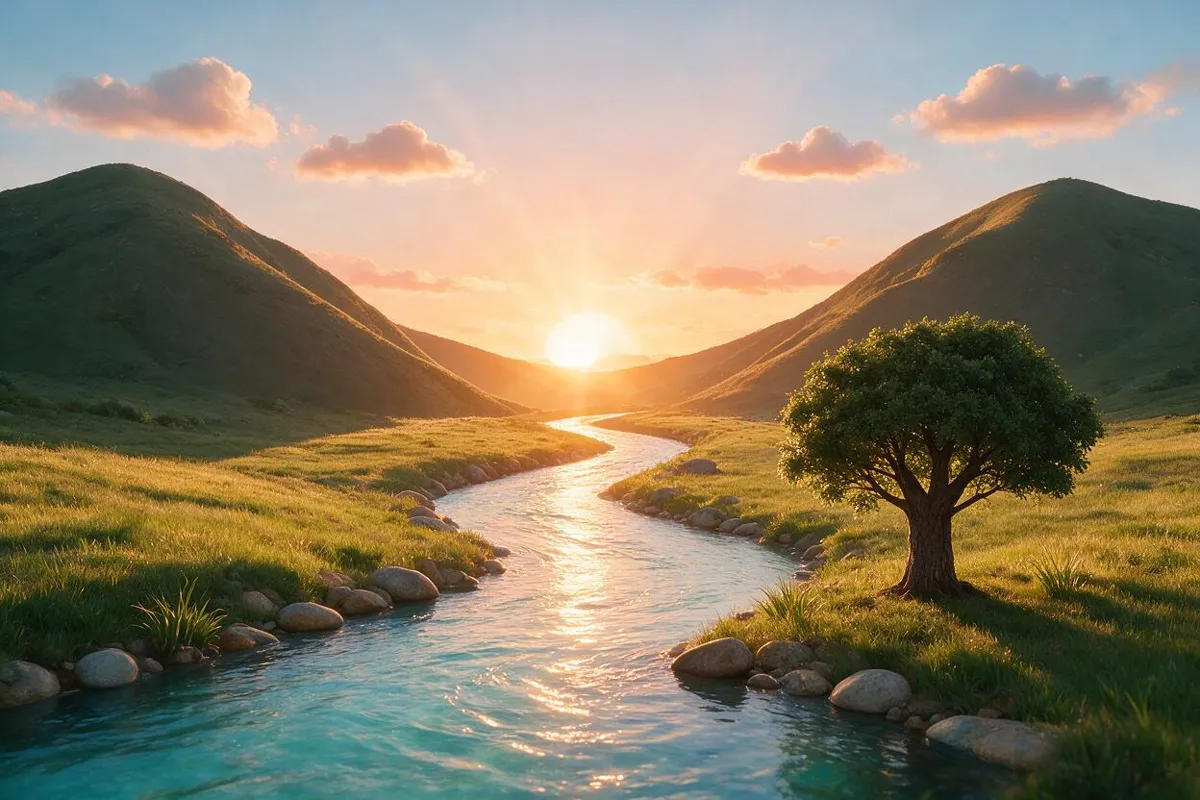
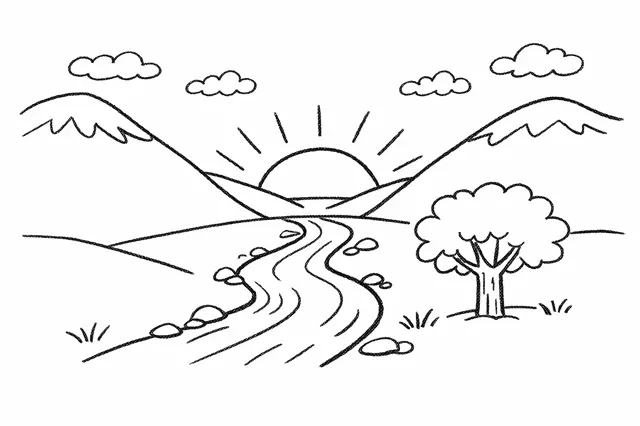 ↑ Result above
What Seedream 5.0 Pro Image to Image is good for
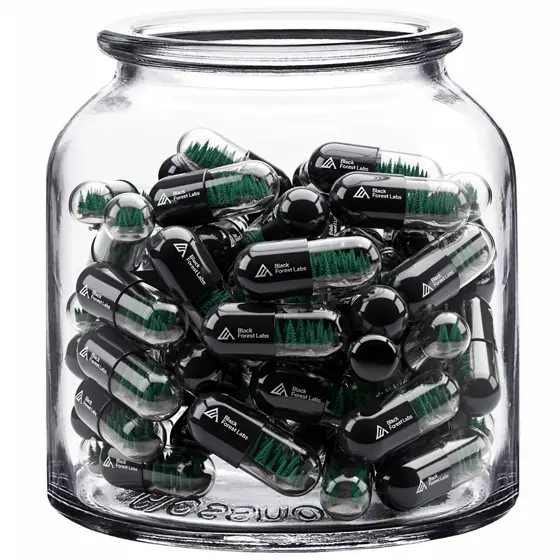
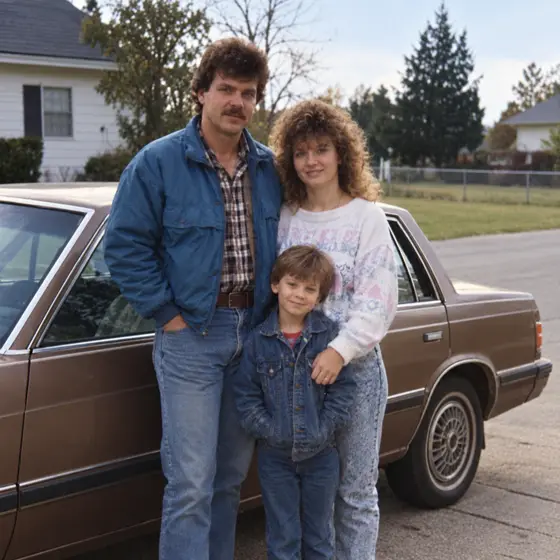
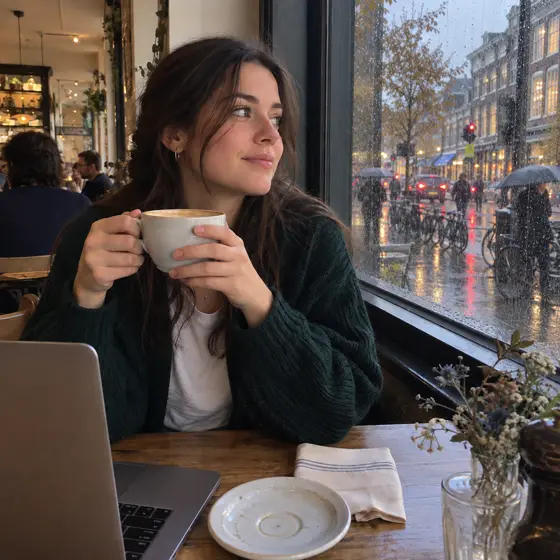
Seedream 5.0 Pro Image to Image is the version of ByteDance's model that starts from pictures you already have. You hand it one picture or several, say a product shot, a backdrop and a style sample, and the prompt spells out what to keep, change or merge. It aims for photographic realism in light, reflections, materials and skin texture, which suits product visuals, interior concepts and portrait edits.
- Turning a pencil sketch into a photorealistic image with the same layout
- Swapping colors or materials on furniture, clothing or packaging in a photo
- Combining a product, a background and a style reference into one shot
- Restyling a portrait's outfit or setting while keeping skin texture natural
Seedream 5.0 Pro Image to Image pricing
| Option | Price, USD | Video Blade tokens |
|---|---|---|
| Image to image · 1K | tokens | |
| Image to image · 2K | tokens |
Through Video Blade you order 1K or 2K pictures in 1:1, 3:4, 4:3, 9:16 or 16:9, one to four variants at a time, with up to 8 reference images.
Prices are per image and live from our price list. Tokens are held when a run starts and settled to what was actually used; a failed run costs nothing.
Use Seedream 5.0 Pro Image to Image from your AI agent
- Create an account on Video Blade and pick a plan — from .
- Copy the agent link from your dashboard into Claude Code, Codex or Cursor.
- Give the agent your photo — a file path or a link — and say the phrase below: it shows the price, runs Seedream 5.0 Pro Image to Image and saves the result.
Edit my sofa photo with Seedream 5.0 Pro Image to Image in 4:3: switch the fabric to olive green velvet, same room, same afternoon light.
This request ≈ · Image to image · 1K
Seedream 5.0 Pro Image to Image FAQ
How much does Seedream 5.0 Pro Image to Image cost?
Image from . Prices are live from our price list, and you see the exact price before anything runs.
Can Seedream 5.0 Pro Image to Image combine several reference images?
Yes. Besides working from a single reference, it accepts several images at once, for example a person, a setting, a material sample and a layout guide, and the prompt says how to merge them. Each request returns one finished image rather than a series.
How does Seedream 5.0 Pro Image to Image differ from Text to Image?
Text to Image builds a picture from a written description alone. Image to Image starts from pictures you provide, so the subject, product, character or composition in them steers the result while the prompt says what to change. Choose it when the output must match something that already exists.
How do I use Seedream 5.0 Pro Image to Image from my AI agent?
Create a Video Blade account, paste the agent link from your dashboard into Claude Code, Codex or Cursor, and ask: “Edit my sofa photo with Seedream 5.0 Pro Image to Image in 4:3: switch the fabric to olive green velvet, same room, same afternoon light.” The agent runs Seedream 5.0 Pro Image to Image (model id seedream-5-pro-text-to-image with your reference images), shows the price before it starts and saves the result to your dashboard.
How is Seedream 5.0 Pro Image to Image billed?
Per image: every option has its own price for one picture. Tokens are held when a run starts and settled to what was actually used; a failed run costs nothing. Current prices are shown on this page.
What settings does Seedream 5.0 Pro Image to Image support?
Prompt: up to 3 characters. Aspect ratio: 1:1, 4:3, 3:4, 16:9, 9:16, 2:3, 3:2 or 21:9. Through Video Blade you order 1K or 2K pictures in 1:1, 3:4, 4:3, 9:16 or 16:9, one to four variants at a time, with up to 8 reference images.
Seedream 5.0 Pro Image to Image in the Video Blade API
seedream-5-pro-text-to-imageYour agent sends this model id with the order and attaches reference images — Video Blade then runs Seedream 5.0 Pro Image to Image; the result lands in the project, and every request is in your generation log with its price.
Through Video Blade you order 1K or 2K pictures in 1:1, 3:4, 4:3, 9:16 or 16:9, one to four variants at a time, with up to 8 reference images.
POST /api/v1/projects/{id}/image-series
{"title": "…", "prompt": "…", "model": "seedream-5-pro-text-to-image", "aspect_ratio": "9:16", "resolution": "2K", "references": [{"url": "https://…/photo.jpg"}]}
POST /api/v1/projects/{id}/image-series/{item_id}/generate