Grok Imagine Image 2.0 Text to Image API
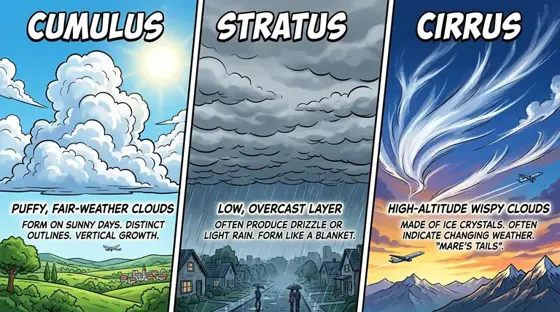
Turns detailed prompts into finished images, including posters, infographics and other designs where text must be readable.
Prices are temporarily unavailable — refresh the page in a minute.
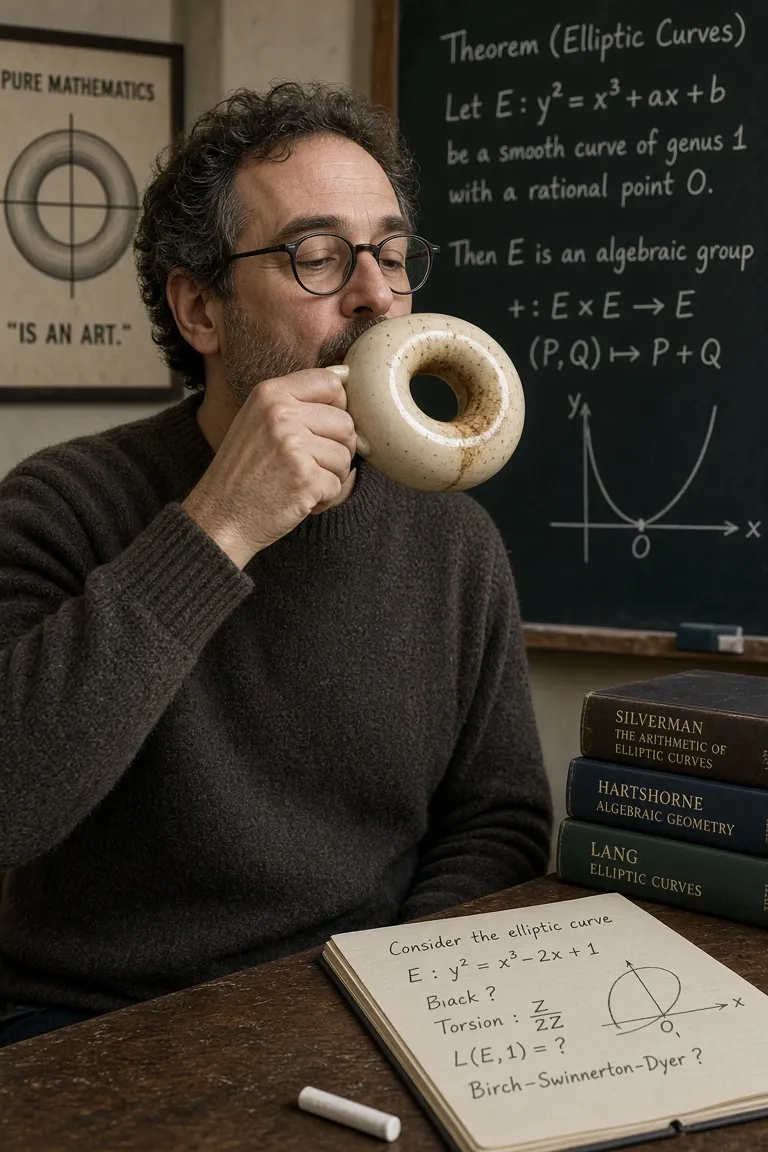
What Grok Imagine Image 2.0 Text to Image is good for
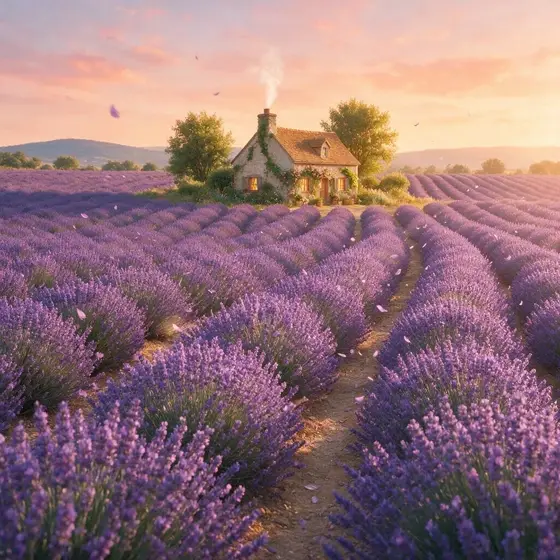
Grok Imagine Image 2.0 Text to Image is xAI's mode for building a picture from a written description alone. It is tuned for detailed, multi-part prompts and for designs where lettering matters, from realistic photos and illustrations to posters and infographics. Five aspect ratios, including square, 16:9 and 9:16, cover social feeds, banners and phone screens.
- Event posters with a headline, date and supporting text in place
- Infographics and illustrated guides that combine charts, labels and imagery
- Editorial illustrations for articles and newsletters from a written brief
- Game assets and character concepts in a chosen art style
- Realistic lifestyle photos for social posts in 9:16 or 1:1
Grok Imagine Image 2.0 Text to Image pricing
| Option | Price, USD | Video Blade tokens |
|---|---|---|
| Text to Image | tokens |
Through Video Blade you order pictures in 1:1, 9:16 or 16:9, one to four variants at a time, with up to 5 reference images.
Prices are per image and live from our price list. Tokens are held when a run starts and settled to what was actually used; a failed run costs nothing.
Use Grok Imagine Image 2.0 Text to Image from your AI agent
- Create an account on Video Blade and pick a plan — from .
- Copy the agent link from your dashboard into Claude Code, Codex or Cursor.
- Say the phrase below — the agent shows the price, runs Grok Imagine Image 2.0 Text to Image and saves the result.
Create a 9:16 poster with Grok Imagine Image 2.0 Text to Image: a neighborhood farmers market at sunrise, headline 'Saturday Market' in bold letters, opening hours below.
This request ≈ · Text to Image
Grok Imagine Image 2.0 Text to Image FAQ
How much does Grok Imagine Image 2.0 Text to Image cost?
Image from . Prices are live from our price list, and you see the exact price before anything runs.
Can Grok Imagine Image 2.0 Text to Image put readable text in images?
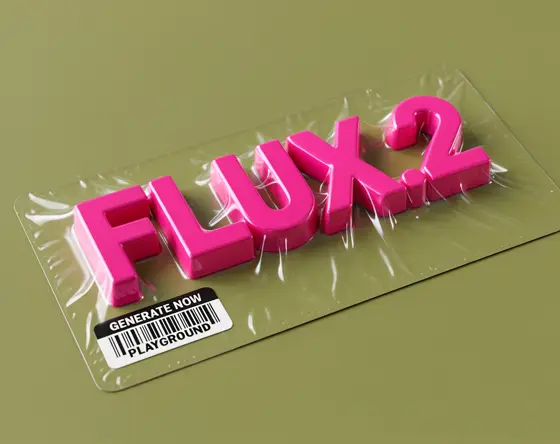
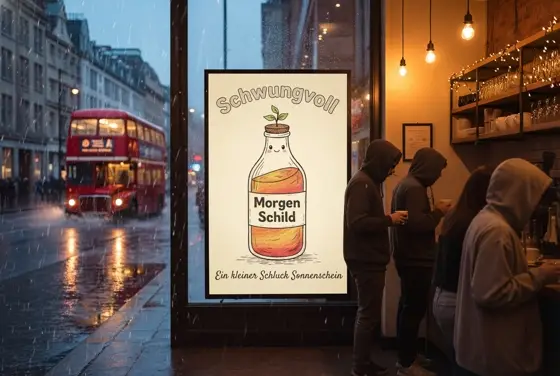
Yes. It plans lettering as part of the layout, so headlines, body copy and imagery are arranged together rather than pasted on top. That makes it a sensible choice for posters, infographics, magazine-style graphics and how-to guides where the words have to be legible.
Does Grok Imagine Image 2.0 Text to Image handle complex prompts?
Yes. It is built to follow prompts that stack many requests at once, such as a subject, a setting, a camera angle, a style, a headline and small props. Even as the scene gets busier, the model works to keep the minor requests in the picture rather than losing them.
How do I use Grok Imagine Image 2.0 Text to Image from my AI agent?
Create a Video Blade account, paste the agent link from your dashboard into Claude Code, Codex or Cursor, and ask: “Create a 9:16 poster with Grok Imagine Image 2.0 Text to Image: a neighborhood farmers market at sunrise, headline 'Saturday Market' in bold letters, opening hours below.” The agent runs Grok Imagine Image 2.0 Text to Image (model id grok-imagine-image-2-0-text-to-image), shows the price before it starts and saves the result to your dashboard.
How is Grok Imagine Image 2.0 Text to Image billed?
Per image: every option has its own price for one picture. Tokens are held when a run starts and settled to what was actually used; a failed run costs nothing. Current prices are shown on this page.
What settings does Grok Imagine Image 2.0 Text to Image support?
Aspect ratio: 1:1, 2:3, 3:2, 16:9 or 9:16. Through Video Blade you order pictures in 1:1, 9:16 or 16:9, one to four variants at a time, with up to 5 reference images.
Grok Imagine Image 2.0 Text to Image in the Video Blade API
grok-imagine-image-2-0-text-to-imageYour agent sends this model id with the order; the result lands in the project, and every request is in your generation log with its price.
Through Video Blade you order pictures in 1:1, 9:16 or 16:9, one to four variants at a time, with up to 5 reference images.
POST /api/v1/projects/{id}/image-series
{"title": "…", "prompt": "…", "model": "grok-imagine-image-2-0-text-to-image", "aspect_ratio": "9:16", "resolution": "2K"}
POST /api/v1/projects/{id}/image-series/{item_id}/generate