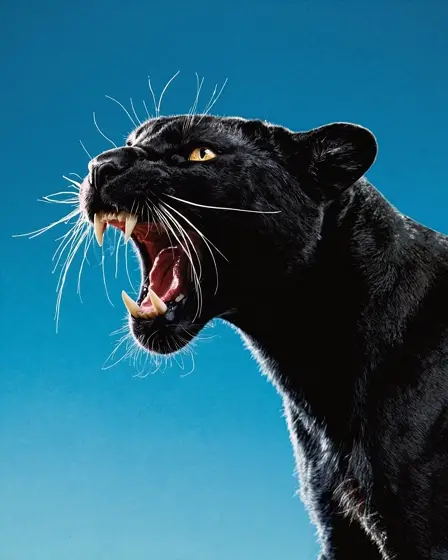
Topaz Image Upscale API
Enlarges, sharpens and unblurs photos, reconstructing fine detail and cleaning up noise and compression artifacts.
Prices are temporarily unavailable — refresh the page in a minute.
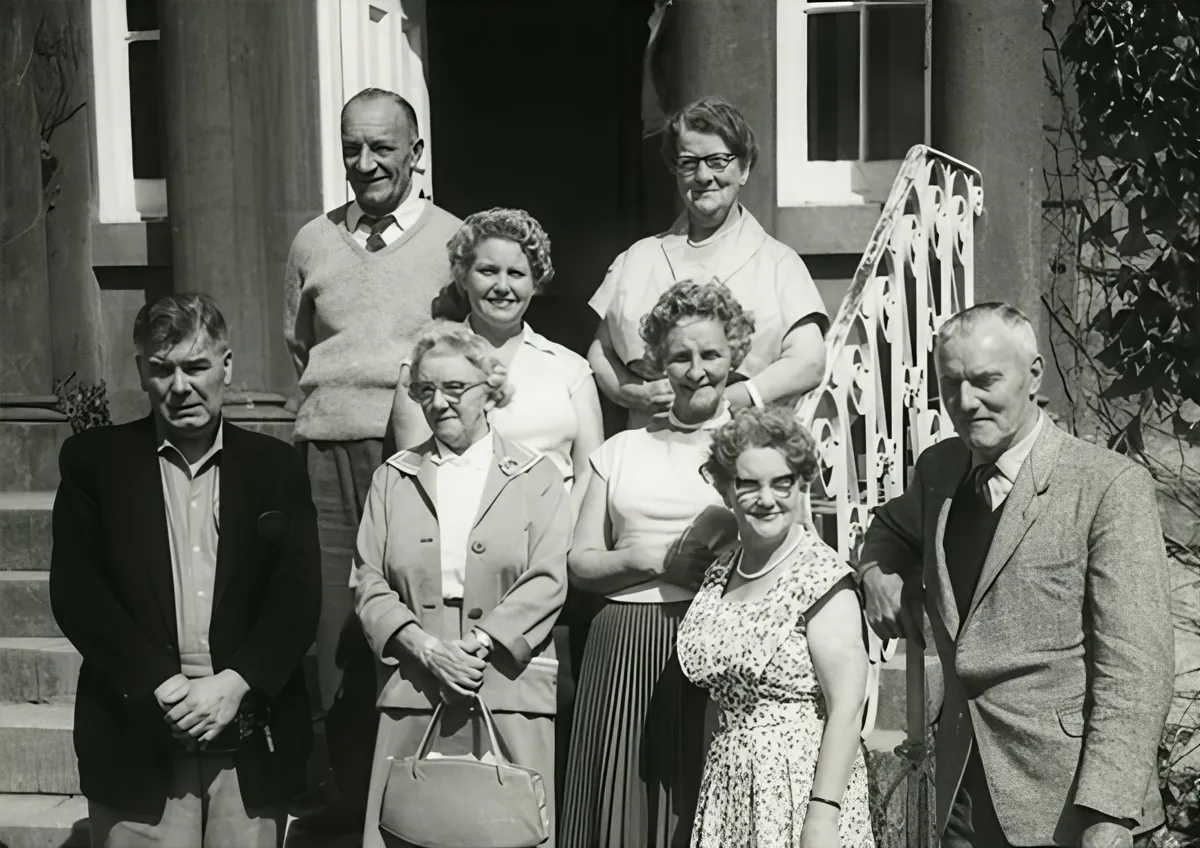
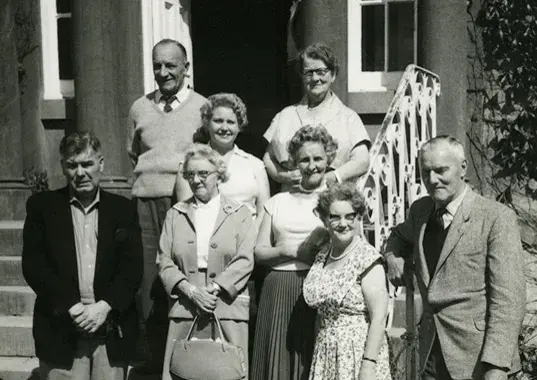 ↑ Result above
What Topaz Image Upscale is good for
Topaz Image Upscale is Topaz Labs' tool for enlarging and repairing still images. Rather than stretching pixels, it reconstructs edges and texture, removes noise and compression artifacts, and can correct blur from motion, camera shake or soft focus. Separate models are tuned for portraits, product photos, illustrations and AI-generated art, which suits photographers, online sellers and print work.
- Enlarging product photos for print and high-resolution store pages
- Rescuing photos softened by motion blur, camera shake or missed focus
- Cleaning up old scans and heavily compressed photos for reprints
- Upscaling AI-generated artwork for large posters
- Sharpening hair, fabric patterns and fine textures in portraits
Topaz Image Upscale pricing
| Option | Price, USD | Video Blade tokens |
|---|---|---|
| Image · upscale · 2K | tokens | |
| Image · upscale · 4K | tokens |
Prices are per image and live from our price list. Tokens are held when a run starts and settled to what was actually used; a failed run costs nothing.
Topaz Image Upscale is coming soon to Video Blade
It is listed with its live price so you can compare it. You can't order it through Video Blade yet — these image models do a similar job today.
Topaz Image Upscale FAQ
How much does Topaz Image Upscale cost?
Image from . Prices are live from our price list, and you see the exact price before anything runs.
Can Topaz Image Upscale fix blurry photos?
Yes. Besides raising resolution, it can undo blur from moving subjects, shaky hands, missed focus and dim light by reconstructing the detail the blur wiped out. Results depend on the source, though: very heavily compressed or badly smeared files can still lose some detail for good.
Which kinds of images does Topaz Image Upscale handle best?
Photos, product shots, posters, illustrations and AI-generated art are all covered, with separate models tuned to the textures and structures of each type. Matching the model to the image, such as a portrait model for faces, gives the cleanest detail recovery and sharpening without halos.
Can I use Topaz Image Upscale on Video Blade today?
Not yet. Topaz Image Upscale is listed with its live price so you can compare it with the models you can use today; ordering it through Video Blade is coming soon.
How is Topaz Image Upscale billed?
Per image: every option has its own price for one picture. Tokens are held when a run starts and settled to what was actually used; a failed run costs nothing. Current prices are shown on this page.
Topaz Image Upscale in the Video Blade API
topaz-image-upscaleOrdering this model through the API is coming soon.