GPT Image 2 Image to Image API
Changes one part of a photo, such as a color, object or background, while keeping the original lighting and textures.
Prices are temporarily unavailable — refresh the page in a minute.
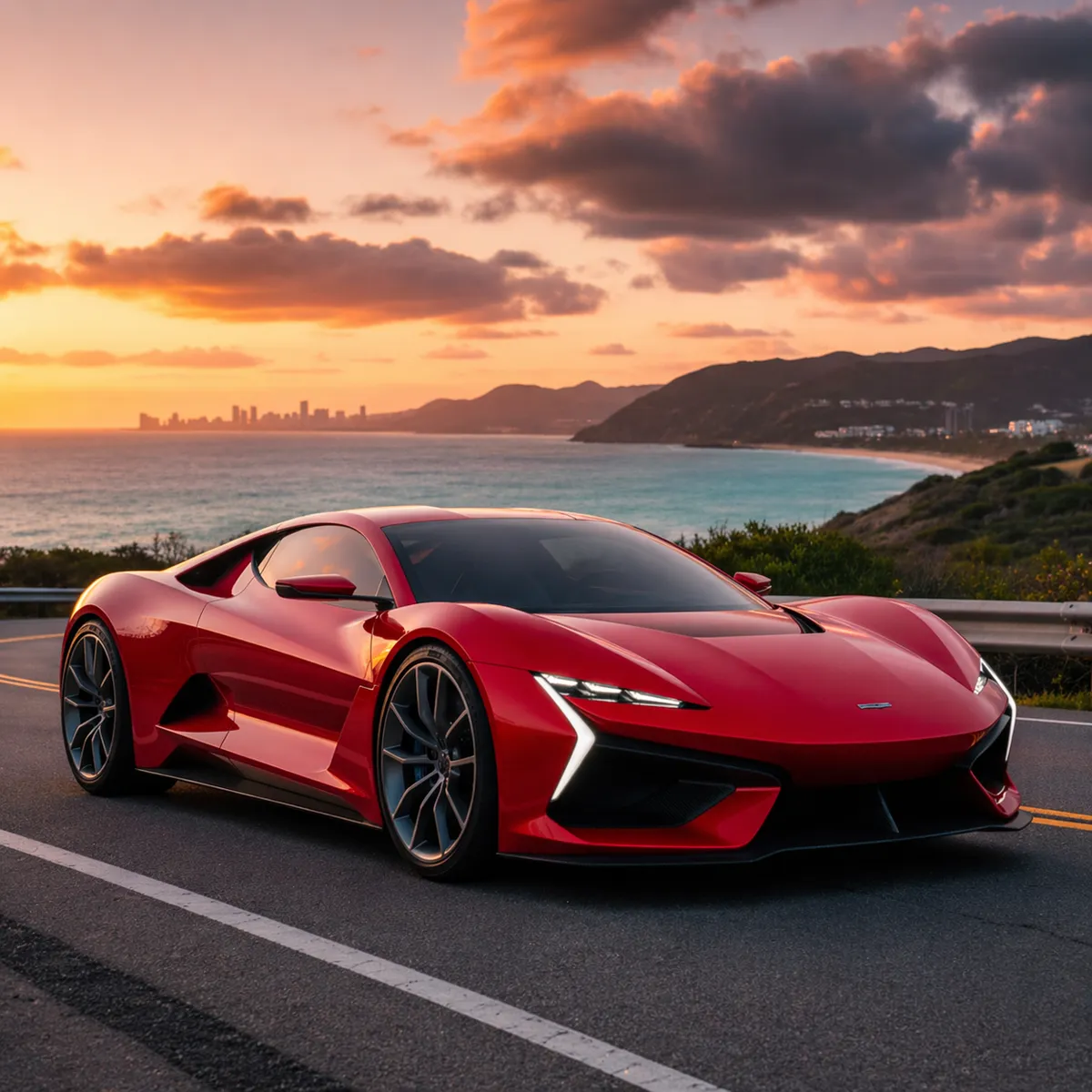
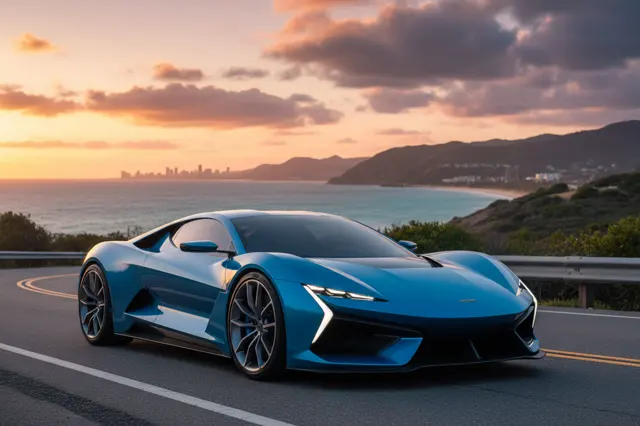 ↑ Result above
What GPT Image 2 Image to Image is good for
GPT Image 2 Image to Image is the editing side of OpenAI's GPT Image 2. You provide a picture and describe the change, and the model recolors a product, swaps an object or background, or restyles the scene, while lighting, shadows and surrounding detail stay coherent. It suits e-commerce, marketing and design work, with output at 1K, 2K or 4K.
- Recoloring one product photo for every color option in a catalog
- Swapping a background or a single object without reshooting
- Exploring several redesign directions from a photo of a real room
- Restyling a photo while keeping its subject and layout intact
- Tidying a cluttered composition so the product stands out
GPT Image 2 Image to Image pricing
| Option | Price, USD | Video Blade tokens |
|---|---|---|
| Image to image · 1K | tokens | |
| Image to image · 2K | tokens | |
| Image to image · 4K | tokens |
Through Video Blade you order 1K or 2K pictures in 1:1, 3:4, 4:3, 9:16 or 16:9, one to four variants at a time, with up to 8 reference images.
Prices are per image and live from our price list. Tokens are held when a run starts and settled to what was actually used; a failed run costs nothing.
Use GPT Image 2 Image to Image from your AI agent
- Create an account on Video Blade and pick a plan — from .
- Copy the agent link from your dashboard into Claude Code, Codex or Cursor.
- Give the agent your photo — a file path or a link — and say the phrase below: it shows the price, runs GPT Image 2 Image to Image and saves the result.
Edit my storefront photo with GPT Image 2, keeping it 4:3 at 2K: repaint the door dark green and add flower boxes under the windows.
This request ≈ · Image to image · 2K
GPT Image 2 Image to Image FAQ
How much does GPT Image 2 Image to Image cost?
Image from . Prices are live from our price list, and you see the exact price before anything runs.
Can GPT Image 2 edit one area of a photo without changing the rest?
Yes, local edits are its focus. Ask it to recolor a product, replace an object or update the background, and it works to keep the lighting, shadows, textures and style around that change consistent with the original, so the result looks cleaner than a full regeneration.
How is GPT Image 2 image to image different from text to image?
Text to image starts from a blank canvas and a written prompt. Image to image starts from a photo you already have and changes it on instruction, such as a new color, a different background, another style or a tidier composition, while the original subject remains the focus.
How do I use GPT Image 2 Image to Image from my AI agent?
Create a Video Blade account, paste the agent link from your dashboard into Claude Code, Codex or Cursor, and ask: “Edit my storefront photo with GPT Image 2, keeping it 4:3 at 2K: repaint the door dark green and add flower boxes under the windows.” The agent runs GPT Image 2 Image to Image (model id gpt-gpt-image-2-text-to-image with your reference images), shows the price before it starts and saves the result to your dashboard.
How is GPT Image 2 Image to Image billed?
Per image: every option has its own price for one picture. Tokens are held when a run starts and settled to what was actually used; a failed run costs nothing. Current prices are shown on this page.
What settings does GPT Image 2 Image to Image support?
Aspect ratio: auto, 1:1, 3:2, 2:3, 4:3, 3:4, 5:4, 4:5, 16:9, 9:16, 2:1, 1:2, 3:1, 1:3, 21:9 or 9:21. Resolution: 1K, 2K or 4K. Through Video Blade you order 1K or 2K pictures in 1:1, 3:4, 4:3, 9:16 or 16:9, one to four variants at a time, with up to 8 reference images.
GPT Image 2 Image to Image in the Video Blade API
gpt-gpt-image-2-text-to-imageYour agent sends this model id with the order and attaches reference images — Video Blade then runs GPT Image 2 Image to Image; the result lands in the project, and every request is in your generation log with its price.
Through Video Blade you order 1K or 2K pictures in 1:1, 3:4, 4:3, 9:16 or 16:9, one to four variants at a time, with up to 8 reference images.
POST /api/v1/projects/{id}/image-series
{"title": "…", "prompt": "…", "model": "gpt-gpt-image-2-text-to-image", "aspect_ratio": "9:16", "resolution": "2K", "references": [{"url": "https://…/photo.jpg"}]}
POST /api/v1/projects/{id}/image-series/{item_id}/generate