Seedream 5.0 Pro Text to Image API
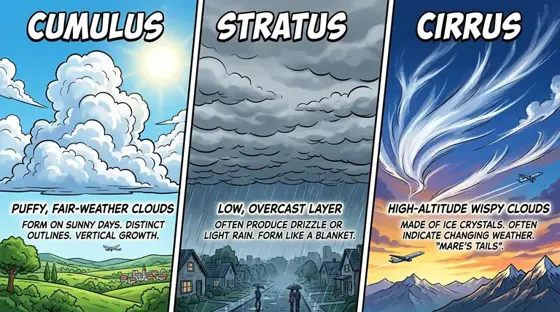
Builds polished images from a written brief and is strongest on dense infographics, lifelike portraits and multilingual text.
Prices are temporarily unavailable — refresh the page in a minute.
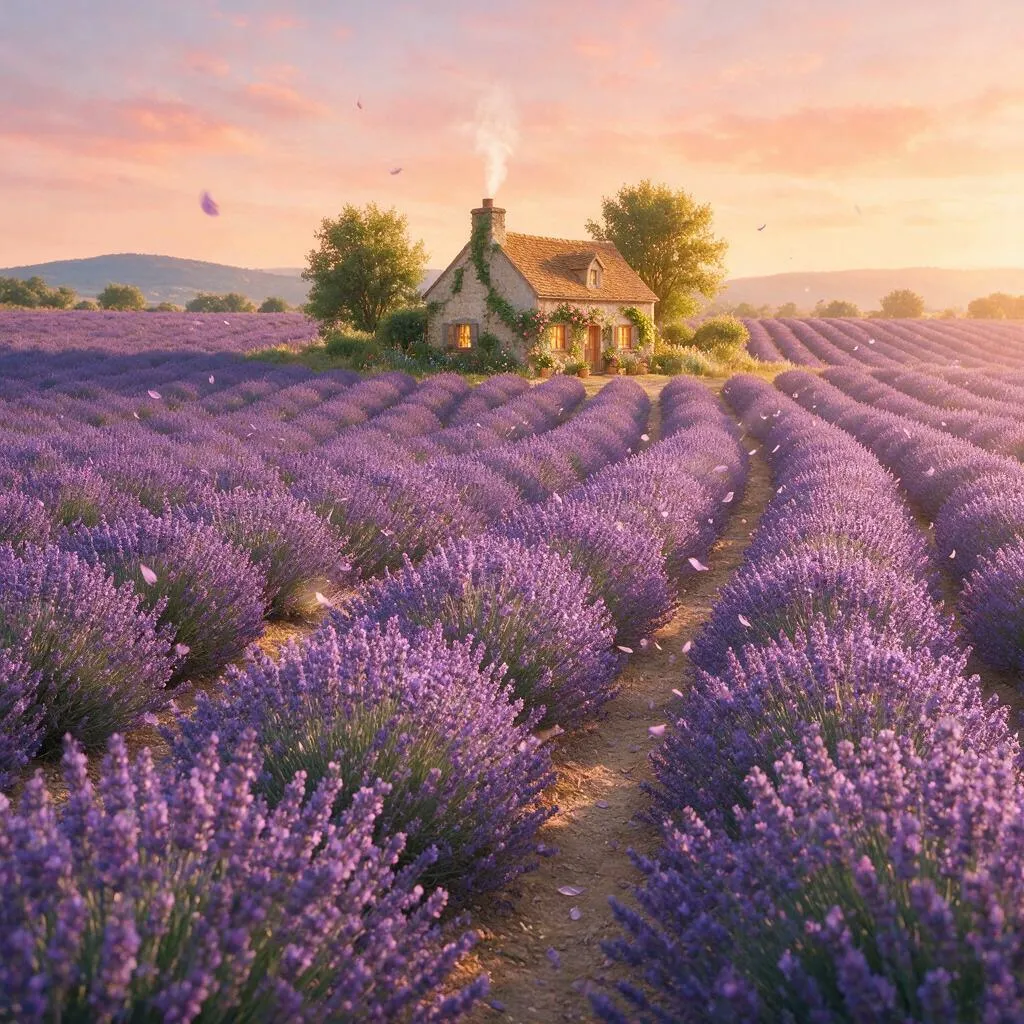
What Seedream 5.0 Pro Text to Image is good for
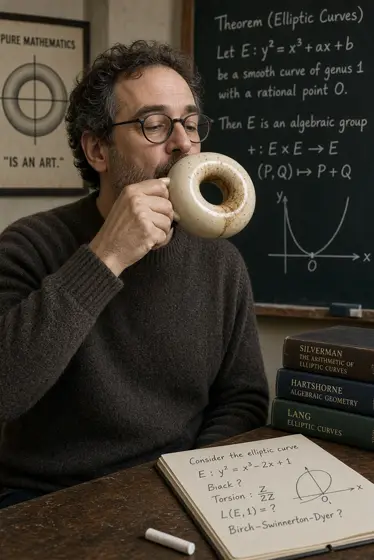
Seedream 5.0 Pro Text to Image is the prompt-driven side of ByteDance's Seedream 5.0 Pro, producing one finished picture per request. A single description can cover what is in the frame, the light, the camera angle, the style and where text goes, and the model organizes dense data and copy into a clear, logical composition. It also leans toward photographic realism and understands prompts in widely used languages, writing the in-image text natively.
- Information-dense infographics and explainer graphics with a clear hierarchy
- Photorealistic campaign portraits with believable skin, light and shadow
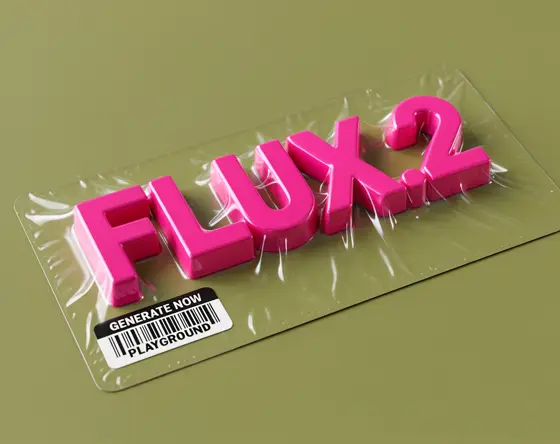
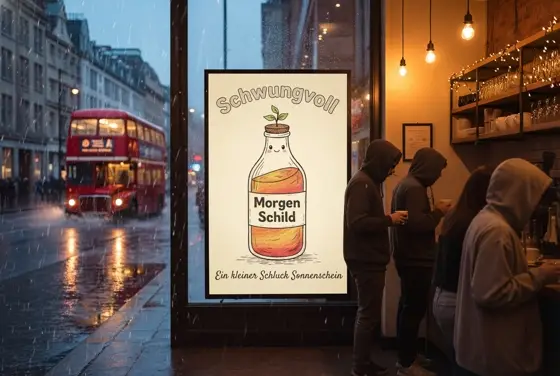
- Marketing visuals with in-image text for different language markets
- Product hero shots with accurate reflections and material detail
- Wide 16:9 banners and vertical 9:16 story images from a brief
Seedream 5.0 Pro Text to Image pricing
| Option | Price, USD | Video Blade tokens |
|---|---|---|
| Text to image · 1K | tokens | |
| Text to image · 2K | tokens |
Through Video Blade you order 1K or 2K pictures in 1:1, 3:4, 4:3, 9:16 or 16:9, one to four variants at a time, with up to 8 reference images.
Prices are per image and live from our price list. Tokens are held when a run starts and settled to what was actually used; a failed run costs nothing.
Use Seedream 5.0 Pro Text to Image from your AI agent
- Create an account on Video Blade and pick a plan — from .
- Copy the agent link from your dashboard into Claude Code, Codex or Cursor.
- Say the phrase below — the agent shows the price, runs Seedream 5.0 Pro Text to Image and saves the result.
Create a 3:4 infographic with Seedream 5.0 Pro Text to Image: how a coffee bean travels from farm to cup, five labeled steps.
This request ≈ · Text to image · 1K
Seedream 5.0 Pro Text to Image FAQ
How much does Seedream 5.0 Pro Text to Image cost?
Image from . Prices are live from our price list, and you see the exact price before anything runs.
Is Seedream 5.0 Pro Text to Image good for infographics?
Yes, dense information is one of its strengths. It is designed to work out how numbers, ideas and their connections relate, then lay out text and visuals in a clear order of importance, so a chart, a process diagram or a feature comparison stays readable instead of cluttered.
Can Seedream 5.0 Pro Text to Image write text in languages other than English?
Yes. It accepts prompts natively in widely used languages and renders the in-image text in them, with attention to each market's typography and regional visual details. That makes it practical for localized posters, packaging mockups and social graphics written directly in the target language.
How do I use Seedream 5.0 Pro Text to Image from my AI agent?
Create a Video Blade account, paste the agent link from your dashboard into Claude Code, Codex or Cursor, and ask: “Create a 3:4 infographic with Seedream 5.0 Pro Text to Image: how a coffee bean travels from farm to cup, five labeled steps.” The agent runs Seedream 5.0 Pro Text to Image (model id seedream-5-pro-text-to-image), shows the price before it starts and saves the result to your dashboard.
How is Seedream 5.0 Pro Text to Image billed?
Per image: every option has its own price for one picture. Tokens are held when a run starts and settled to what was actually used; a failed run costs nothing. Current prices are shown on this page.
What settings does Seedream 5.0 Pro Text to Image support?
Prompt: up to 3 characters. Aspect ratio: 1:1, 4:3, 3:4, 16:9, 9:16, 2:3, 3:2 or 21:9. Through Video Blade you order 1K or 2K pictures in 1:1, 3:4, 4:3, 9:16 or 16:9, one to four variants at a time, with up to 8 reference images.
Seedream 5.0 Pro Text to Image in the Video Blade API
seedream-5-pro-text-to-imageYour agent sends this model id with the order; the result lands in the project, and every request is in your generation log with its price.
Through Video Blade you order 1K or 2K pictures in 1:1, 3:4, 4:3, 9:16 or 16:9, one to four variants at a time, with up to 8 reference images.
POST /api/v1/projects/{id}/image-series
{"title": "…", "prompt": "…", "model": "seedream-5-pro-text-to-image", "aspect_ratio": "9:16", "resolution": "2K"}
POST /api/v1/projects/{id}/image-series/{item_id}/generate