GPT Image 2.5 Sunburst Image to Image API
Handles detail-sensitive edits with OpenAI's quality-focused GPT Image 2.5, aiming to change only what you ask and keep the rest.
Prices are temporarily unavailable — refresh the page in a minute.
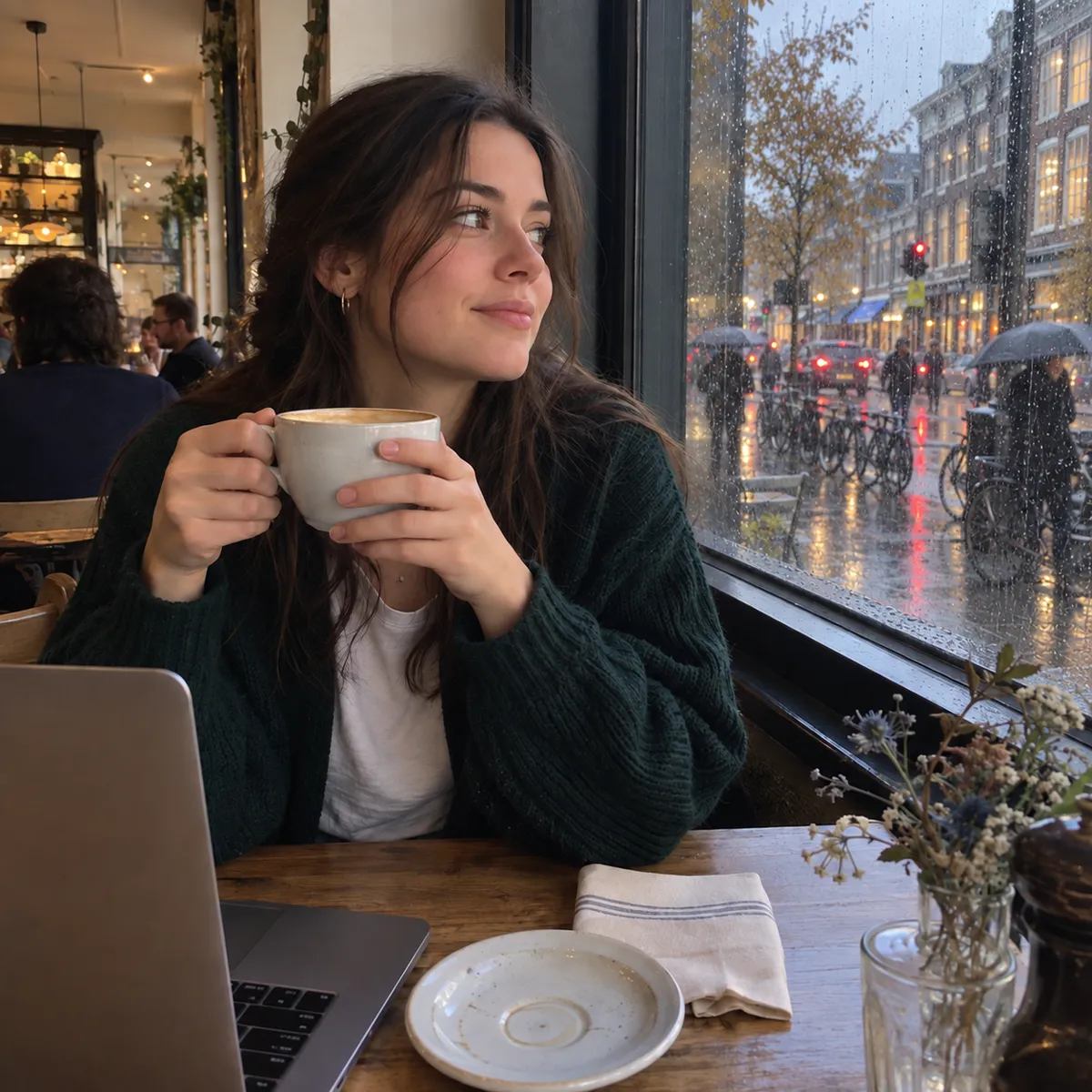
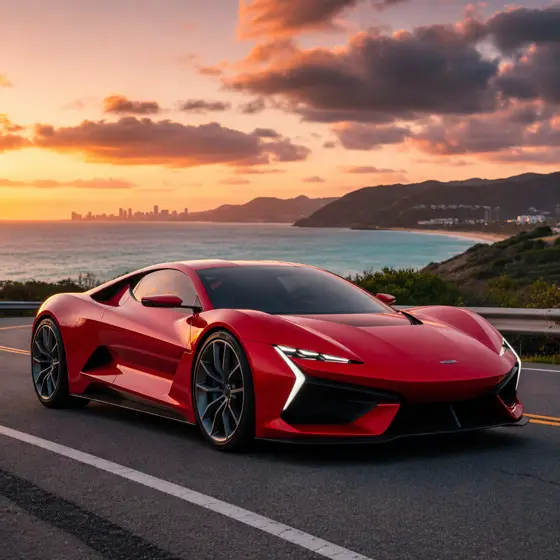
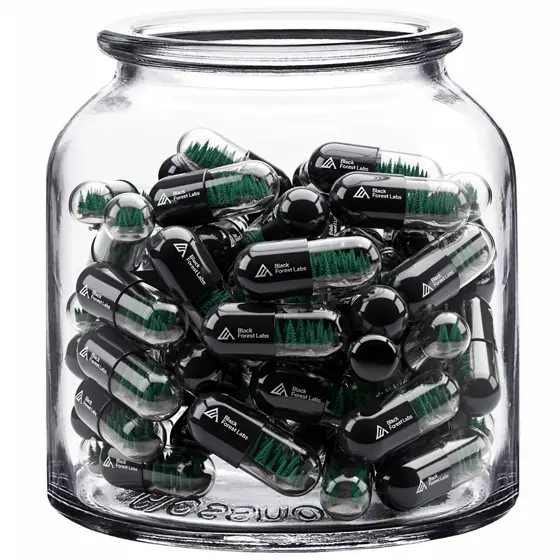
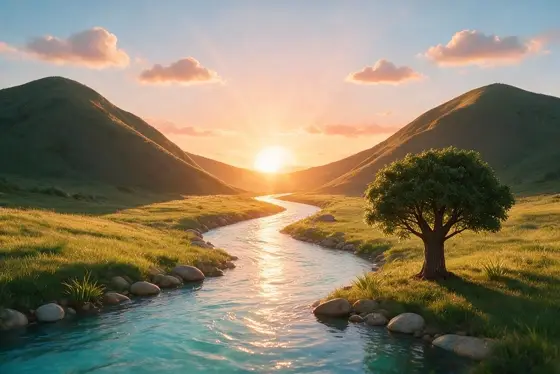
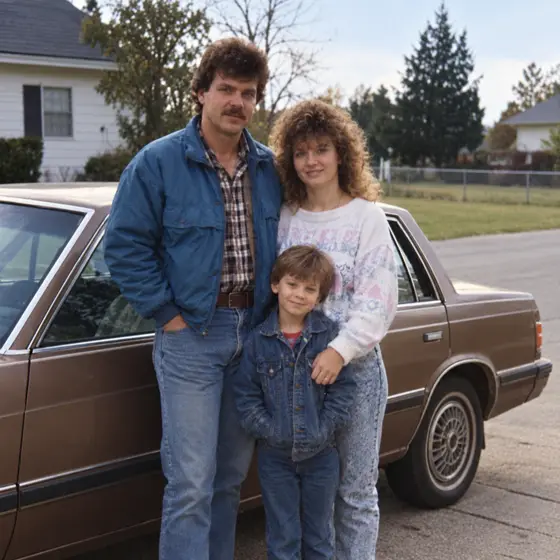
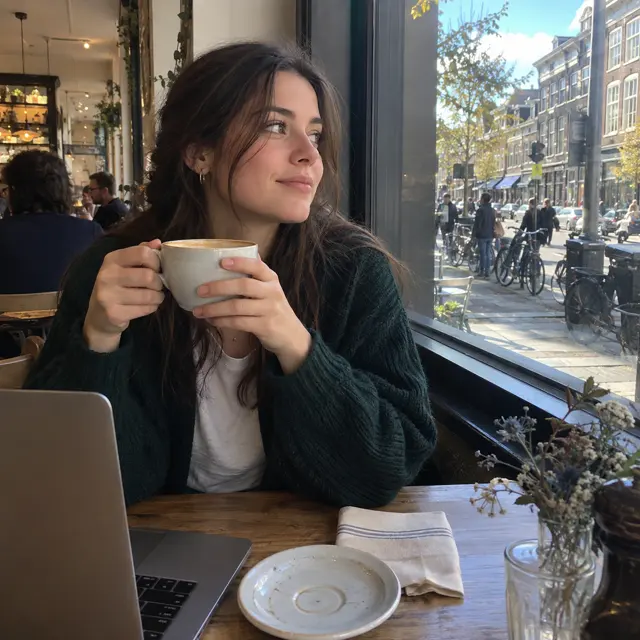 ↑ Result above
What GPT Image 2.5 Sunburst Image to Image is good for
GPT Image 2.5 Sunburst Image to Image is the editing model of OpenAI's quality-optimized GPT Image 2.5 version, released in September 2026. OpenAI says this generation is better at changing only the part you ask about and at preserving the people, characters and products in your reference photos. It suits precise photo edits, product updates and reference-led variations where small details have to survive.
- Changing the view outside a window while people and objects stay put
- Correcting a single line on a finished menu, sign or flyer
- Placing a mascot or product into new scenes with its colors and markings kept
- Swapping furniture or decor in a room photo for interior mockups
GPT Image 2.5 Sunburst Image to Image pricing
| Option | Price, USD | Video Blade tokens |
|---|---|---|
| Image to image · 1K | tokens | |
| Image to image · 2K | tokens | |
| Image to image · 4K | tokens |
Through Video Blade you order 1K or 2K pictures in 1:1, 3:4, 4:3, 9:16 or 16:9, one to four variants at a time, with up to 8 reference images.
Prices are per image and live from our price list. Tokens are held when a run starts and settled to what was actually used; a failed run costs nothing.
Use GPT Image 2.5 Sunburst Image to Image from your AI agent
- Create an account on Video Blade and pick a plan — from .
- Copy the agent link from your dashboard into Claude Code, Codex or Cursor.
- Give the agent your photo — a file path or a link — and say the phrase below: it shows the price, runs GPT Image 2.5 Sunburst Image to Image and saves the result.
Edit my living room photo with GPT Image 2.5 Sunburst at 2K, 16:9 framing: swap the blue sofa for a tan leather one, rug and plants unchanged.
This request ≈ · Image to image · 2K
GPT Image 2.5 Sunburst Image to Image FAQ
How much does GPT Image 2.5 Sunburst Image to Image cost?
Image from . Prices are live from our price list, and you see the exact price before anything runs.
Will GPT Image 2.5 Sunburst change parts of my image I didn't ask about?
OpenAI says GPT Image 2.5 is better at changing only what you ask for and leaving the rest alone, and OpenAI points Sunburst at edits where precision matters most. For example, a request to fix one item on a menu board should leave the other items, lettering and artwork as they were.
Can GPT Image 2.5 Sunburst keep a character or product consistent in new scenes?
That is one of the stated improvements. OpenAI says GPT Image 2.5 does a better job of preserving the subjects in your reference photos, such as a mascot's colors, shape and markings or a product's design, which makes it a good fit for new versions that must stay close to the source.
How do I use GPT Image 2.5 Sunburst Image to Image from my AI agent?
Create a Video Blade account, paste the agent link from your dashboard into Claude Code, Codex or Cursor, and ask: “Edit my living room photo with GPT Image 2.5 Sunburst at 2K, 16:9 framing: swap the blue sofa for a tan leather one, rug and plants unchanged.” The agent runs GPT Image 2.5 Sunburst Image to Image (model id gpt-gpt-image-2-5-sunburst-text-to-image with your reference images), shows the price before it starts and saves the result to your dashboard.
How is GPT Image 2.5 Sunburst Image to Image billed?
Per image: every option has its own price for one picture. Tokens are held when a run starts and settled to what was actually used; a failed run costs nothing. Current prices are shown on this page.
What settings does GPT Image 2.5 Sunburst Image to Image support?
Aspect ratio: auto, 1:1, 3:2, 2:3, 4:3, 3:4, 16:9, 9:16, 21:9, 27:16, 16:27, 9:8 or 8:9. Resolution: 1K, 2K or 4K. Through Video Blade you order 1K or 2K pictures in 1:1, 3:4, 4:3, 9:16 or 16:9, one to four variants at a time, with up to 8 reference images.
GPT Image 2.5 Sunburst Image to Image in the Video Blade API
gpt-gpt-image-2-5-sunburst-text-to-imageYour agent sends this model id with the order and attaches reference images — Video Blade then runs GPT Image 2.5 Sunburst Image to Image; the result lands in the project, and every request is in your generation log with its price.
Through Video Blade you order 1K or 2K pictures in 1:1, 3:4, 4:3, 9:16 or 16:9, one to four variants at a time, with up to 8 reference images.
POST /api/v1/projects/{id}/image-series
{"title": "…", "prompt": "…", "model": "gpt-gpt-image-2-5-sunburst-text-to-image", "aspect_ratio": "9:16", "resolution": "2K", "references": [{"url": "https://…/photo.jpg"}]}
POST /api/v1/projects/{id}/image-series/{item_id}/generate