FLUX.2 Pro Image to Image API
Blends up to 8 reference images into one result while keeping characters, products and styles consistent.
Prices are temporarily unavailable — refresh the page in a minute.
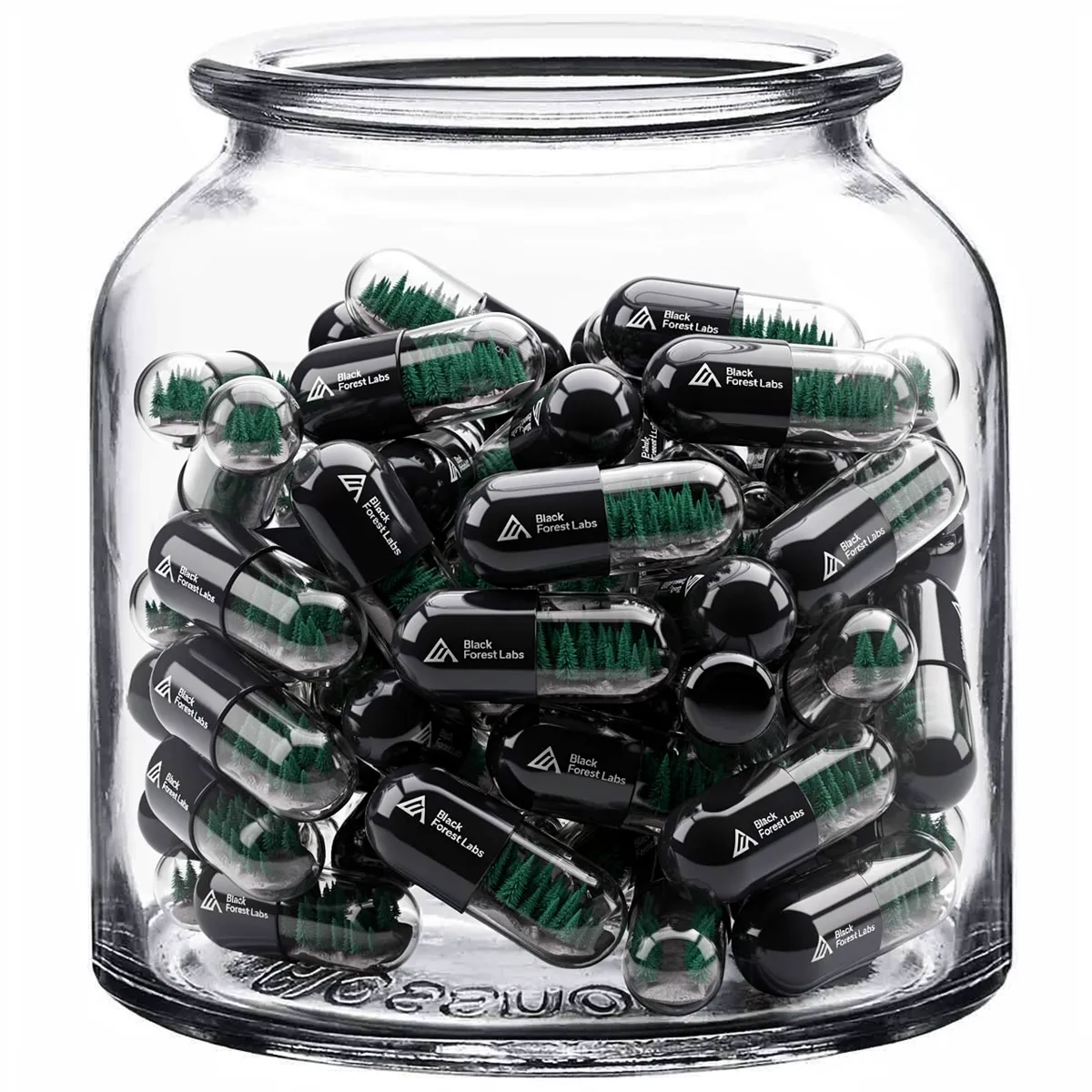
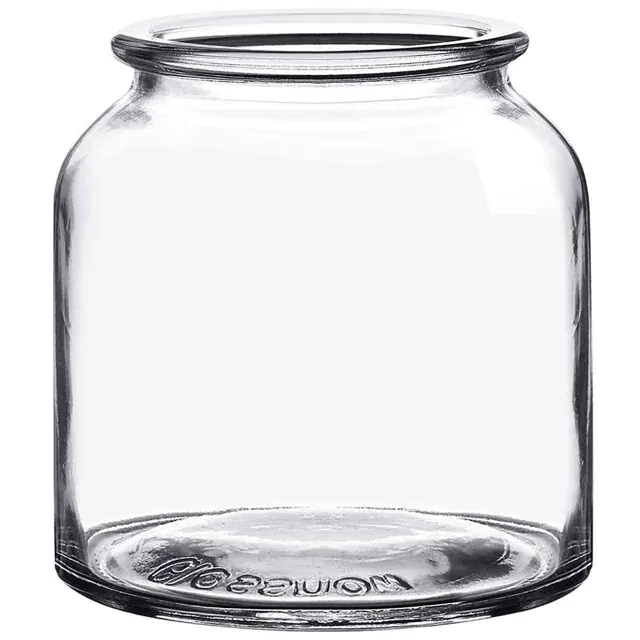
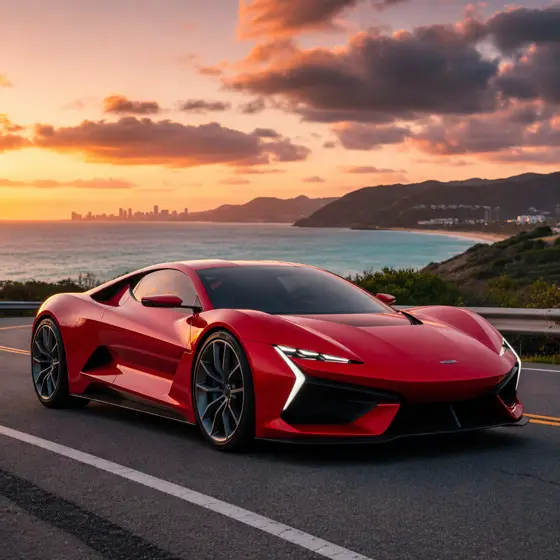
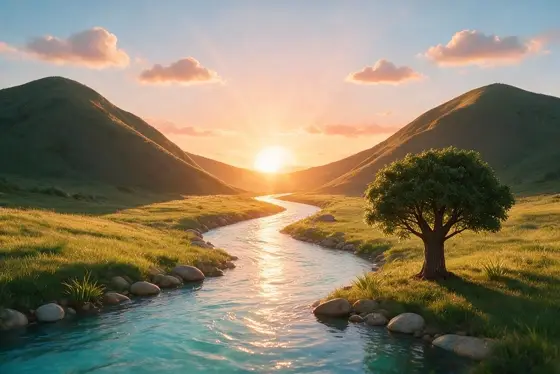
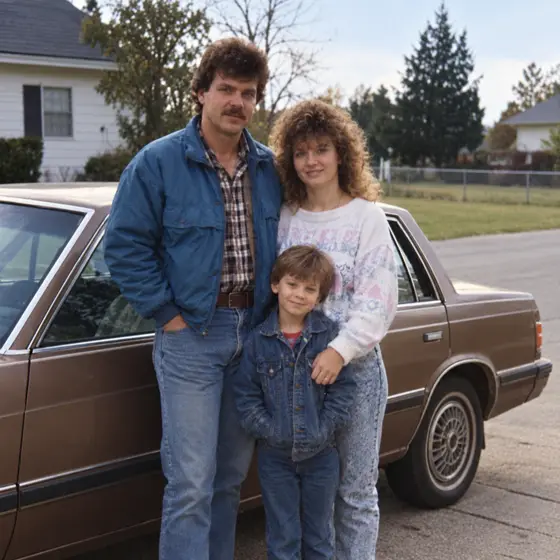
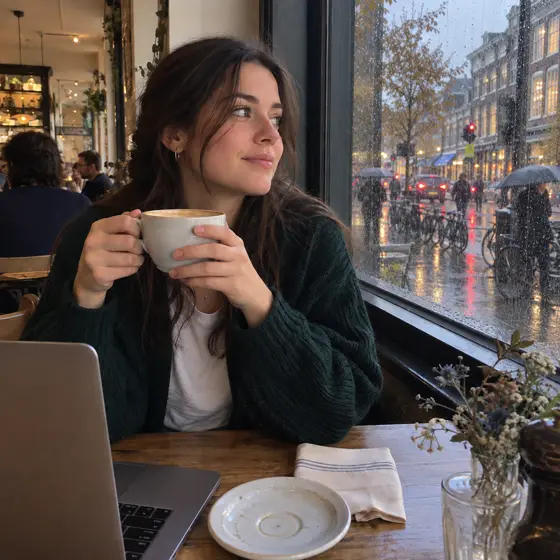
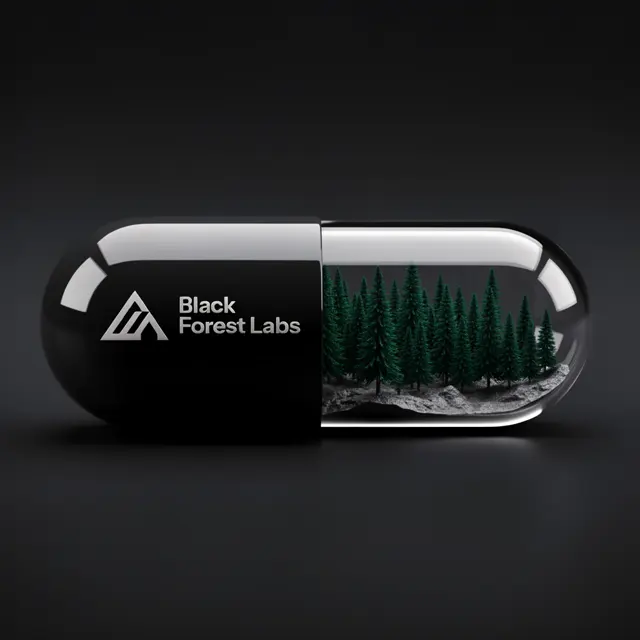 ↑ Result above
What FLUX.2 Pro Image to Image is good for
FLUX.2 Pro Image to Image is the editing mode of Black Forest Labs' FLUX.2 Pro: you supply up to eight pictures, describe the change, and the model reworks or combines them. It holds identities, products and styling steady across outputs, with clean materials and believable lighting. It suits product teams, marketers and designers who need on-brand variations at 1K or 2K.
- Placing a product into new scenes with its label and shape kept consistent
- Combining a character, outfit and location from separate reference photos
- Retouching product shots and making color or packaging variations
- Keeping one brand style consistent across a series of ad visuals
FLUX.2 Pro Image to Image pricing
| Option | Price, USD | Video Blade tokens |
|---|---|---|
| Image to image · 1K | tokens | |
| Image to image · 2K | tokens |
Through Video Blade you order 1K or 2K pictures in 1:1, 3:4, 4:3, 9:16 or 16:9, one to four variants at a time, with up to 8 reference images.
Prices are per image and live from our price list. Tokens are held when a run starts and settled to what was actually used; a failed run costs nothing.
Use FLUX.2 Pro Image to Image from your AI agent
- Create an account on Video Blade and pick a plan — from .
- Copy the agent link from your dashboard into Claude Code, Codex or Cursor.
- Give the agent your photo — a file path or a link — and say the phrase below: it shows the price, runs FLUX.2 Pro Image to Image and saves the result.
Turn my mug photo and notebook photo into one 16:9 2K shot with FLUX.2 Pro: both on a sunny café table, logos unchanged.
This request ≈ · Image to image · 2K
FLUX.2 Pro Image to Image FAQ
How much does FLUX.2 Pro Image to Image cost?
Image from . Prices are live from our price list, and you see the exact price before anything runs.
How many reference images can FLUX.2 Pro Image to Image combine?
Up to eight in a single request. You can mix photos of people, products and style references, and FLUX.2 Pro keeps each identity and look consistent, even in busy scenes with several subjects. This makes it practical for product composites and recurring characters.
What is the difference between FLUX.2 Pro image to image and text to image?
Text to image paints a new scene from words alone. Image to image takes your own pictures as the starting point, so you can merge references, retouch a shot or spin off variations without losing the subjects. Both modes share FLUX.2 Pro's text rendering, prompt following and 1K or 2K output.
How do I use FLUX.2 Pro Image to Image from my AI agent?
Create a Video Blade account, paste the agent link from your dashboard into Claude Code, Codex or Cursor, and ask: “Turn my mug photo and notebook photo into one 16:9 2K shot with FLUX.2 Pro: both on a sunny café table, logos unchanged.” The agent runs FLUX.2 Pro Image to Image (model id flux2-pro-text-to-image with your reference images), shows the price before it starts and saves the result to your dashboard.
How is FLUX.2 Pro Image to Image billed?
Per image: every option has its own price for one picture. Tokens are held when a run starts and settled to what was actually used; a failed run costs nothing. Current prices are shown on this page.
What settings does FLUX.2 Pro Image to Image support?
Prompt: up to 5,000 characters. Aspect ratio: 1:1, 4:3, 3:4, 16:9, 9:16, 3:2, 2:3 or auto. Resolution: 1K or 2K. Through Video Blade you order 1K or 2K pictures in 1:1, 3:4, 4:3, 9:16 or 16:9, one to four variants at a time, with up to 8 reference images.
FLUX.2 Pro Image to Image in the Video Blade API
flux2-pro-text-to-imageYour agent sends this model id with the order and attaches reference images — Video Blade then runs FLUX.2 Pro Image to Image; the result lands in the project, and every request is in your generation log with its price.
Through Video Blade you order 1K or 2K pictures in 1:1, 3:4, 4:3, 9:16 or 16:9, one to four variants at a time, with up to 8 reference images.
POST /api/v1/projects/{id}/image-series
{"title": "…", "prompt": "…", "model": "flux2-pro-text-to-image", "aspect_ratio": "9:16", "resolution": "2K", "references": [{"url": "https://…/photo.jpg"}]}
POST /api/v1/projects/{id}/image-series/{item_id}/generate