Kling 3.0 Omni Text to Video API
Kling 3.0 Omni Text to Video turns a written prompt into a full scene, with multi-shot structure, dialogue, and matching sound.
Prices are temporarily unavailable — refresh the page in a minute.
What Kling 3.0 Omni Text to Video is good for
Kling 3.0 Omni Text to Video, part of Kuaishou's Kling O3 lineup, builds video from a written prompt alone, with no uploaded media. A structured prompt can lay out each shot's length, framing, camera angle, action, and spoken lines, and the model returns a connected sequence with native sound. It suits ad concepts, short narrative scenes, and storyboards that exist only as text.
- Ad concepts pitched as video before any footage or photos exist
- Multi-shot scenes planned shot by shot inside a single prompt
- Short dialogue scenes where characters speak lines written in the prompt
- Atmospheric clips with scene sound described alongside the visuals
Kling 3.0 Omni Text to Video pricing
| Option | Price, USD | Video Blade tokens |
|---|---|---|
| Without sound · 720p | tokens | |
| Without sound · 1080p | tokens | |
| With sound · 720p | tokens | |
| With sound · 1080p | tokens | |
| With sound · 4K | tokens | |
| Without sound · 4K | tokens |
Prices are per second and live from our price list. Tokens are held when a run starts and settled to what was actually used; a failed run costs nothing.
Kling 3.0 Omni Text to Video is coming soon to Video Blade
It is listed with its live price so you can compare it. You can't order it through Video Blade yet — these video models do a similar job today.
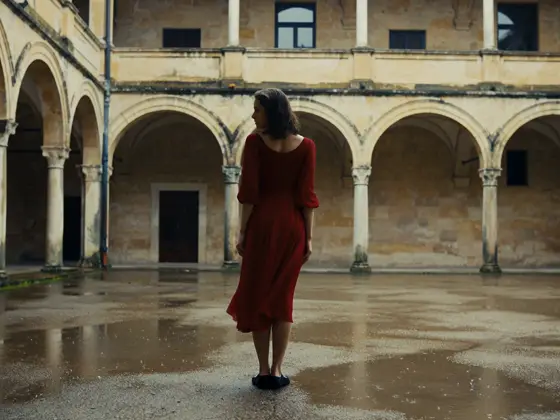
MiniMax H3 Text to Video
8-second clip from · per second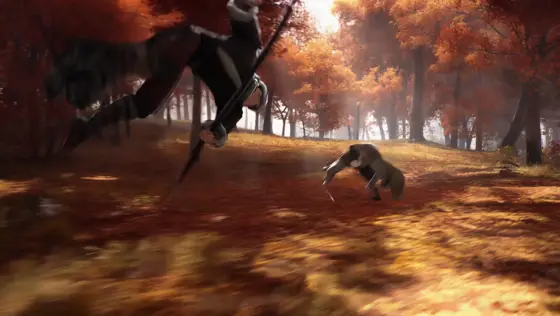
Seedance 2.0
Text to videoImage to video 8-second clip from · per second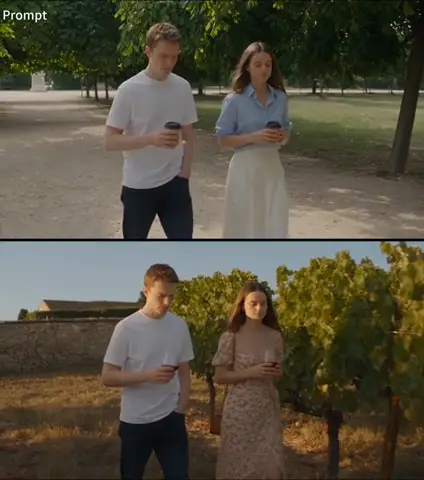
Seedance 2.5
Text to videoImage to video 8-second clip from · per second
Wan 3.0 Video
Text to videoImage to video 8-second clip from · per secondKling 3.0 Omni Text to Video FAQ
How much does Kling 3.0 Omni Text to Video cost?
8-second clip from · per second. Prices are live from our price list, and you see the exact price before anything runs.
Can Kling 3.0 Omni Text to Video make a multi-shot video from one prompt?
Yes. Write the prompt as a short storyboard, giving each shot its length, framing, camera angle, character action, dialogue, and camera movement. The model follows that plan and joins the shots into one sequence with smooth transitions between them.
Does Kling 3.0 Omni Text to Video generate dialogue and sound?
Yes. Audio is created in the same pass as the video, so the prompt can describe what characters say and how the scene sounds, from room tone to effects. That keeps speech and on-screen action in step without adding a soundtrack afterward.
Can I use Kling 3.0 Omni Text to Video on Video Blade today?
Not yet. Kling 3.0 Omni Text to Video is listed with its live price so you can compare it with the models you can use today; ordering it through Video Blade is coming soon.
How is Kling 3.0 Omni Text to Video billed?
By the second of video: the rate depends on the option you pick (mode, resolution, sound), and a clip costs the rate times its length. Tokens are held when a run starts and settled to what was actually used; a failed run costs nothing. Current prices are shown on this page.
Kling 3.0 Omni Text to Video in the Video Blade API
kling-v3-omni-text-to-videoOrdering this model through the API is coming soon.
Similar models
MiniMax H3 Text to Video
8-second clip from · per second
Seedance 2.0
Text to videoImage to video 8-second clip from · per second
Seedance 2.5
Text to videoImage to video 8-second clip from · per second